

Your graphics add a nice touch to my presentations and I recently used them for one of my all-hands meetings. Your toolbox adds professionalism to my slides. Instead of using standard clipart.
Claude Jones, Director of Engineer, @Walmartlabs, USA

Your graphics add a nice touch to my presentations and I recently used them for one of my all-hands meetings. Your toolbox adds professionalism to my slides. Instead of using standard clipart.
Claude Jones, Director of Engineer, @Walmartlabs, USA
I needed a fresh look at some of my slides. I've tried to find a way to create a paintbrush effect, to underline, accentuate, add some color and the handwritten markers were just the things. Very easy to use, easy to size, change the color. It was an affordable, perfect solution and I'm happy to recommend it.
Anonymous, US
The crisp, clean look of the graphics, and the fact that it allowed me to easily edit and change the colors to match the template was my main reason for purchasing them.
Brandie Jenkins, E-learning Developer, USA
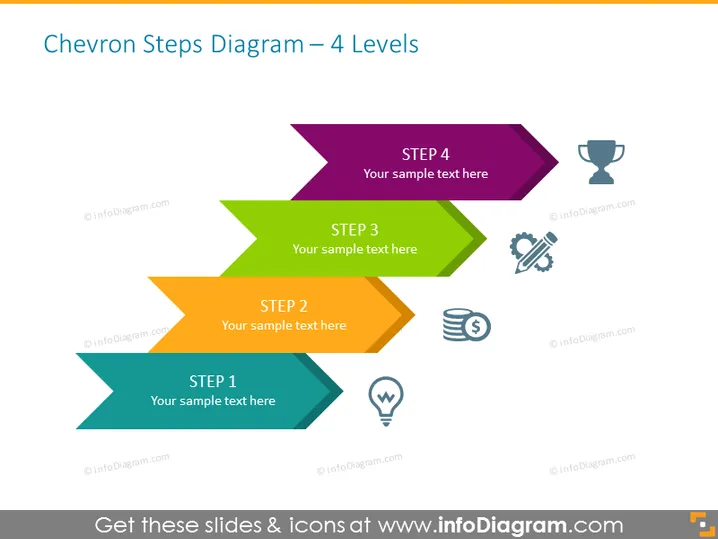
La diapositive présente un processus en quatre étapes utilisant un diagramme de flèches en chevron. Chaque étape est représentée par une flèche en chevron, avec ÉTAPE 1 en bas en teal, ÉTAPE 2 au-dessus en orange, ÉTAPE 3 en vert, et ÉTAPE 4 en haut en violet. Chaque flèche pointe vers la droite, signifiant la progression. À côté de chaque étape, il y a des icônes symbolisant différents concepts : ÉTAPE 1 est associée à une ampoule, représentant une idée ; ÉTAPE 2 a une pile de pièces, indiquant des considérations financières ou de coûts ; ÉTAPE 3 montre des engrenages, ce qui suggère un processus ou une mécanique ; ÉTAPE 4 a un trophée, impliquant un objectif ou une réalisation.
La diapositive est propre et moderne dans son design, avec des couleurs vives et des icônes simples pour distinguer visuellement chaque étape d'un processus. Le design en chevron guide l'œil du spectateur à travers la diapositive, communiquant efficacement la progression ou l'avancement.



