
Your graphics add a nice touch to my presentations and I recently used them for one of my all-hands meetings. Your toolbox adds professionalism to my slides. Instead of using standard clipart.
Claude Jones, Director of Engineer, @Walmartlabs, USA
Your graphics add a nice touch to my presentations and I recently used them for one of my all-hands meetings. Your toolbox adds professionalism to my slides. Instead of using standard clipart.
Claude Jones, Director of Engineer, @Walmartlabs, USA
I needed a fresh look at some of my slides. I've tried to find a way to create a paintbrush effect, to underline, accentuate, add some color and the handwritten markers were just the things. Very easy to use, easy to size, change the color. It was an affordable, perfect solution and I'm happy to recommend it.
Anonymous, US
The crisp, clean look of the graphics, and the fact that it allowed me to easily edit and change the colors to match the template was my main reason for purchasing them.
Brandie Jenkins, E-learning Developer, USA
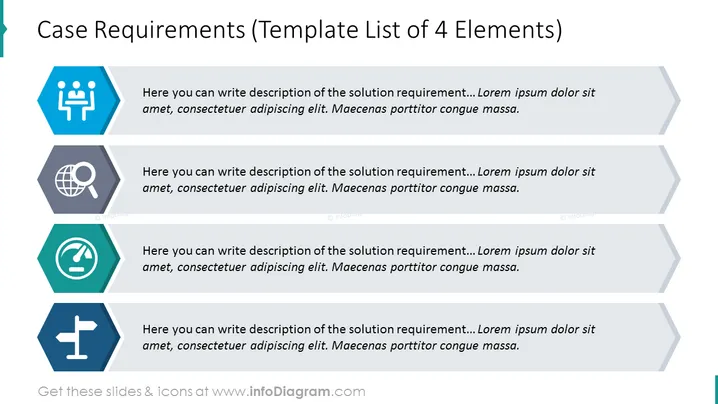
La diapositive PowerPoint sert de modèle pour décrire quatre éléments distincts des exigences de cas, chacun associé à une icône pour représenter visuellement le concept sous-jacent. Un texte de remplacement est fourni à côté de chaque icône, incitant l'utilisateur à détailler les exigences spécifiques de la solution. Ce format est conçu pour aider à structurer et à articuler les composants essentiels nécessaires pour comprendre ou répondre aux critères d'un cas ou d'un projet de manière systématique.
L'apparence générale de la diapositive est minimaliste mais efficace, avec un schéma de code couleur qui sépare visuellement chaque exigence et dirige l'attention du spectateur de manière systématique d'un élément à l'autre.




