

Your graphics add a nice touch to my presentations and I recently used them for one of my all-hands meetings. Your toolbox adds professionalism to my slides. Instead of using standard clipart.
Claude Jones, Director of Engineer, @Walmartlabs, USA

Your graphics add a nice touch to my presentations and I recently used them for one of my all-hands meetings. Your toolbox adds professionalism to my slides. Instead of using standard clipart.
Claude Jones, Director of Engineer, @Walmartlabs, USA
I needed a fresh look at some of my slides. I've tried to find a way to create a paintbrush effect, to underline, accentuate, add some color and the handwritten markers were just the things. Very easy to use, easy to size, change the color. It was an affordable, perfect solution and I'm happy to recommend it.
Anonymous, US
The crisp, clean look of the graphics, and the fact that it allowed me to easily edit and change the colors to match the template was my main reason for purchasing them.
Brandie Jenkins, E-learning Developer, USA
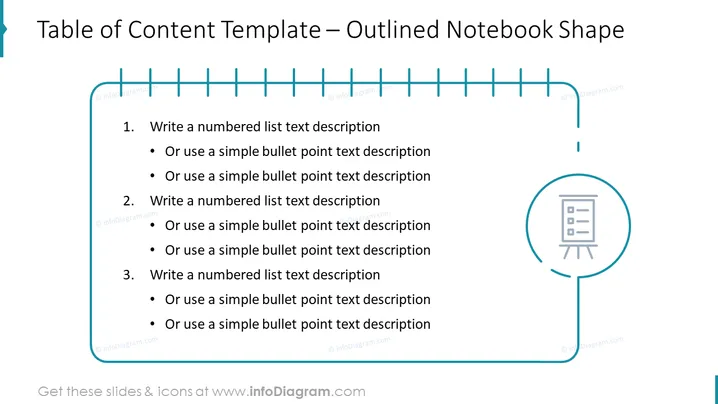
La diapositive est une représentation visuelle d'une table des matières disposée sous la forme d'un cahier ébauché. Elle se compose de trois sections principales, chacune accompagnée de puces pour des sous-items détaillés. Chaque section commence par "Écrire une description textuelle d'une liste numérotée," indiquant où le présentateur doit inclure les sujets ou chapitres clés. Les sous-points sont des espaces réservés pour une explication plus détaillée de chaque point principal, suggérant une organisation structurée et hiérarchique du contenu typiquement trouvée dans des présentations, des rapports ou des documents.
La diapositive utilise un design simple et épuré avec une palette de couleurs limitée, principalement bleu et noir, pour maintenir l'attention sur le contenu. Le graphique du cahier ébauché fournit un cadre thématique et organisé pour le contenu listé.



