
Your graphics add a nice touch to my presentations and I recently used them for one of my all-hands meetings. Your toolbox adds professionalism to my slides. Instead of using standard clipart.
Claude Jones, Director of Engineer, @Walmartlabs, USA
Your graphics add a nice touch to my presentations and I recently used them for one of my all-hands meetings. Your toolbox adds professionalism to my slides. Instead of using standard clipart.
Claude Jones, Director of Engineer, @Walmartlabs, USA
I needed a fresh look at some of my slides. I've tried to find a way to create a paintbrush effect, to underline, accentuate, add some color and the handwritten markers were just the things. Very easy to use, easy to size, change the color. It was an affordable, perfect solution and I'm happy to recommend it.
Anonymous, US
The crisp, clean look of the graphics, and the fact that it allowed me to easily edit and change the colors to match the template was my main reason for purchasing them.
Brandie Jenkins, E-learning Developer, USA
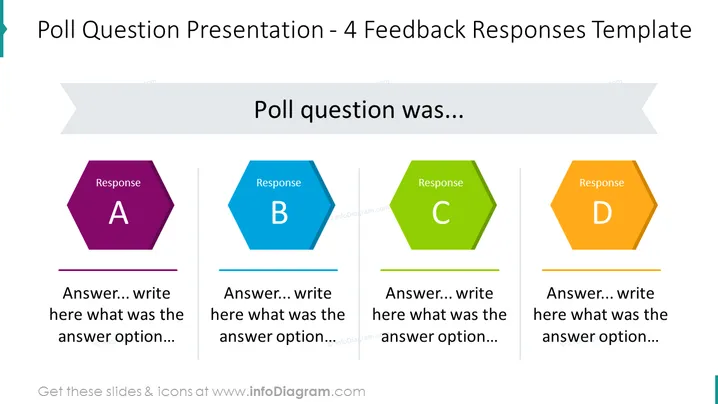
Ce modèle pour PowerPoint et Google Slides visualise 4 réponses placées dans 4 colonnes. Chaque colonne a un diagramme hexagonal coloré pour les réponses et une zone de texte sous le diagramme pour écrire votre réponse ou votre information de préférence. Vous pouvez parler des questions spécifiques et des réponses et retours que vous avez obtenus en utilisant ce modèle de présentation.
Cette diapositive de Questions et Réponses Principales fait partie de nos graphiques de Présentation de Rapport d'Enquête.




