
Your graphics add a nice touch to my presentations and I recently used them for one of my all-hands meetings. Your toolbox adds professionalism to my slides. Instead of using standard clipart.
Claude Jones, Director of Engineer, @Walmartlabs, USA

Your graphics add a nice touch to my presentations and I recently used them for one of my all-hands meetings. Your toolbox adds professionalism to my slides. Instead of using standard clipart.
Claude Jones, Director of Engineer, @Walmartlabs, USA

I needed a fresh look at some of my slides. I've tried to find a way to create a paintbrush effect, to underline, accentuate, add some color and the handwritten markers were just the things. Very easy to use, easy to size, change the color. It was an affordable, perfect solution and I'm happy to recommend it.
Anonymous, US
The crisp, clean look of the graphics, and the fact that it allowed me to easily edit and change the colors to match the template was my main reason for purchasing them.
Brandie Jenkins, E-learning Developer, USA
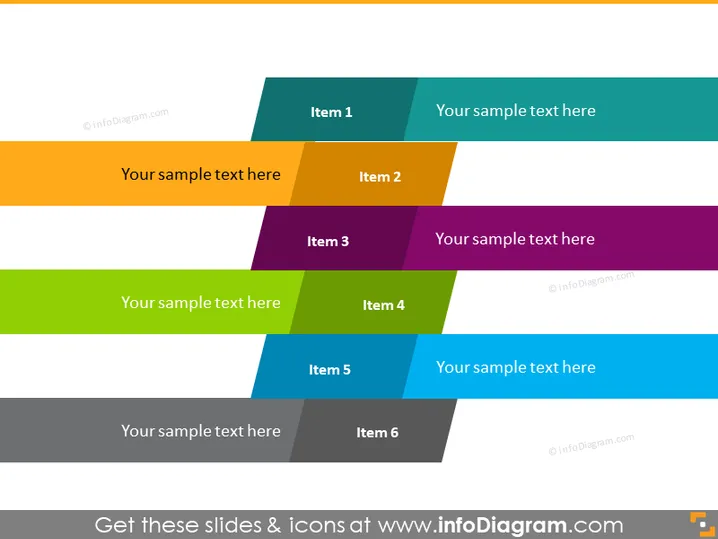
Cette diapositive PowerPoint présente un modèle de catégorisation où six éléments sont organisés dans une mise en page en décalé à deux colonnes. Chacun des six éléments est représenté par un rectangle coloré avec une couleur unique, suggérant des catégories ou des sujets distincts. Chaque rectangle coloré contient un espace réservé pour un titre, indiqué par "Élément 1" à "Élément 6", et est associé à un espace complémentaire pour des détails ou descriptions supplémentaires, marqué "Votre texte exemple ici."
La diapositive utilise des couleurs vives et contrastées ainsi que des formes géométriques épurées pour créer une mise en page visuellement attrayante. Elle est moderne et professionnelle, avec un équilibre engageant entre couleur et espace blanc.


