

Your graphics add a nice touch to my presentations and I recently used them for one of my all-hands meetings. Your toolbox adds professionalism to my slides. Instead of using standard clipart.
Claude Jones, Director of Engineer, @Walmartlabs, USA

Your graphics add a nice touch to my presentations and I recently used them for one of my all-hands meetings. Your toolbox adds professionalism to my slides. Instead of using standard clipart.
Claude Jones, Director of Engineer, @Walmartlabs, USA
I needed a fresh look at some of my slides. I've tried to find a way to create a paintbrush effect, to underline, accentuate, add some color and the handwritten markers were just the things. Very easy to use, easy to size, change the color. It was an affordable, perfect solution and I'm happy to recommend it.
Anonymous, US
The crisp, clean look of the graphics, and the fact that it allowed me to easily edit and change the colors to match the template was my main reason for purchasing them.
Brandie Jenkins, E-learning Developer, USA
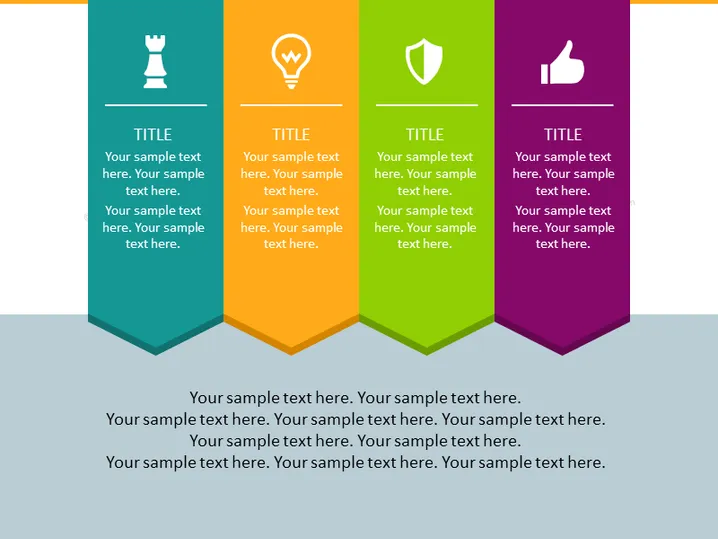
Cette diapositive PowerPoint est structurée pour représenter quatre concepts ou catégories, chacune avec sa propre couleur et icône. La colonne turquoise présente une icône de pièce d'échecs, signifiant stratégie ou compétition. La colonne orange avec une icône d'ampoule suggère des idées ou de l'innovation. La colonne verte affiche une icône de bouclier, représentant probablement la sécurité ou la protection. Enfin, la colonne violette avec une icône de pouce levé symbolise l'approbation ou le succès. Chaque colonne contient un texte de remplacement pour un titre et des descriptions supplémentaires, montrant où l'on pourrait développer chaque concept.
L'ensemble de la diapositive a un aspect moderne et épuré, utilisant des couleurs vives et des icônes claires pour distinguer les sujets. L'effet 3D donne une impression de profondeur et rend la diapositive plus visuellement engageante.



