

Your graphics add a nice touch to my presentations and I recently used them for one of my all-hands meetings. Your toolbox adds professionalism to my slides. Instead of using standard clipart.
Claude Jones, Director of Engineer, @Walmartlabs, USA

Your graphics add a nice touch to my presentations and I recently used them for one of my all-hands meetings. Your toolbox adds professionalism to my slides. Instead of using standard clipart.
Claude Jones, Director of Engineer, @Walmartlabs, USA
I needed a fresh look at some of my slides. I've tried to find a way to create a paintbrush effect, to underline, accentuate, add some color and the handwritten markers were just the things. Very easy to use, easy to size, change the color. It was an affordable, perfect solution and I'm happy to recommend it.
Anonymous, US
The crisp, clean look of the graphics, and the fact that it allowed me to easily edit and change the colors to match the template was my main reason for purchasing them.
Brandie Jenkins, E-learning Developer, USA
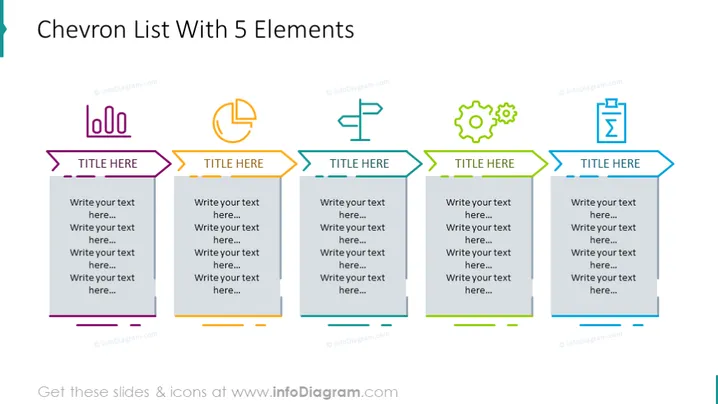
Utilisez ce modèle de contour coloré pour illustrer les 5 étapes du processus d'apprentissage automatique. Créez une diapositive mémorable avec notre diagramme Chevron illustré avec des icônes. Ajoutez ou retirez rapidement des étapes dans le processus en travaillant sur des éléments groupés. Tout est préparé en tenant compte de la facilité d'utilisation.
Cet Exemple du Diagramme de Liste Chevron des 5 Éléments fait partie de notre modèle PPT de Diagrammes de Chronologie Chevron.



