
Your graphics add a nice touch to my presentations and I recently used them for one of my all-hands meetings. Your toolbox adds professionalism to my slides. Instead of using standard clipart.
Claude Jones, Director of Engineer, @Walmartlabs, USA
Your graphics add a nice touch to my presentations and I recently used them for one of my all-hands meetings. Your toolbox adds professionalism to my slides. Instead of using standard clipart.
Claude Jones, Director of Engineer, @Walmartlabs, USA
I needed a fresh look at some of my slides. I've tried to find a way to create a paintbrush effect, to underline, accentuate, add some color and the handwritten markers were just the things. Very easy to use, easy to size, change the color. It was an affordable, perfect solution and I'm happy to recommend it.
Anonymous, US
The crisp, clean look of the graphics, and the fact that it allowed me to easily edit and change the colors to match the template was my main reason for purchasing them.
Brandie Jenkins, E-learning Developer, USA
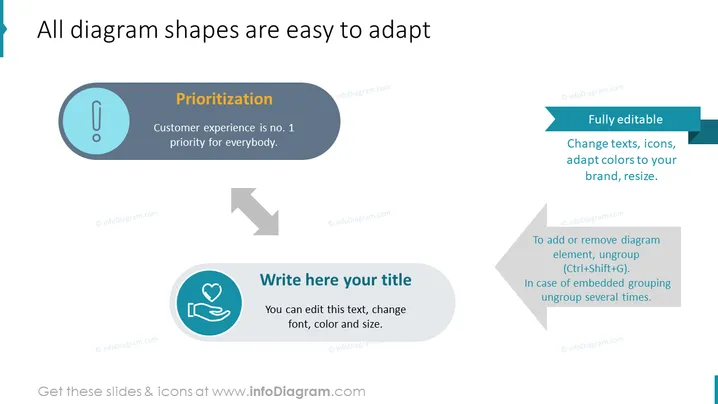
La diapositive PowerPoint se concentre sur l'adaptabilité des formes de diagrammes pour des fins de présentation. La "priorisation" est mise en avant comme étant clé, l'expérience client étant notée comme la priorité absolue. La diapositive souligne la possibilité de modification complète, permettant aux utilisateurs de changer les textes, les icônes, d'adapter les couleurs aux spécificités de la marque et de redimensionner les éléments selon les besoins. De plus, elle fournit des conseils sur l'ajout ou la suppression d'éléments de diagramme grâce à la fonction de désagrégation, nécessitant des raccourcis clavier spécifiques ou plusieurs actions de désagrégation selon le regroupement.




