

Your graphics add a nice touch to my presentations and I recently used them for one of my all-hands meetings. Your toolbox adds professionalism to my slides. Instead of using standard clipart.
Claude Jones, Director of Engineer, @Walmartlabs, USA

Your graphics add a nice touch to my presentations and I recently used them for one of my all-hands meetings. Your toolbox adds professionalism to my slides. Instead of using standard clipart.
Claude Jones, Director of Engineer, @Walmartlabs, USA
I needed a fresh look at some of my slides. I've tried to find a way to create a paintbrush effect, to underline, accentuate, add some color and the handwritten markers were just the things. Very easy to use, easy to size, change the color. It was an affordable, perfect solution and I'm happy to recommend it.
Anonymous, US
The crisp, clean look of the graphics, and the fact that it allowed me to easily edit and change the colors to match the template was my main reason for purchasing them.
Brandie Jenkins, E-learning Developer, USA
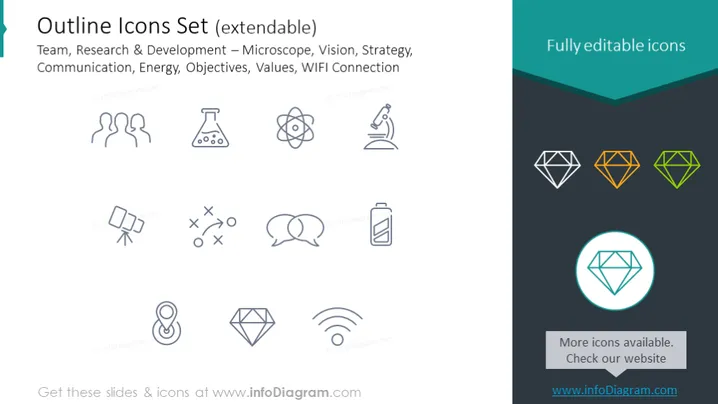
La diapositive PowerPoint présente un "Ensemble d'icônes de contour" décrit comme extensible. Ces icônes représentent des concepts tels que Équipe (figures humaines stylisées), Recherche & Développement (un microscope symbolisant l'étude scientifique, et un atome représentant la recherche atomique ou moléculaire), Vision (une icône d'œil), Stratégie (une pièce d'échecs impliquant la planification tactique), Communication (bulles de dialogue), Énergie (une batterie indiquant des sources d'énergie), Objectifs (une coche à l'intérieur d'une épingle de localisation pointant vers des objectifs ou destinations), Valeurs (une forme de diamant suggérant des principes précieux), et Connexion WIFI (l'icône de signal sans fil familière).
La diapositive a un aspect minimaliste et professionnel avec une palette de couleurs simple et des icônes claires et en contours. L'utilisation de la couleur met en évidence certains éléments et crée un point focal pour attirer l'œil.



