

Your graphics add a nice touch to my presentations and I recently used them for one of my all-hands meetings. Your toolbox adds professionalism to my slides. Instead of using standard clipart.
Claude Jones, Director of Engineer, @Walmartlabs, USA

Your graphics add a nice touch to my presentations and I recently used them for one of my all-hands meetings. Your toolbox adds professionalism to my slides. Instead of using standard clipart.
Claude Jones, Director of Engineer, @Walmartlabs, USA
I needed a fresh look at some of my slides. I've tried to find a way to create a paintbrush effect, to underline, accentuate, add some color and the handwritten markers were just the things. Very easy to use, easy to size, change the color. It was an affordable, perfect solution and I'm happy to recommend it.
Anonymous, US
The crisp, clean look of the graphics, and the fact that it allowed me to easily edit and change the colors to match the template was my main reason for purchasing them.
Brandie Jenkins, E-learning Developer, USA
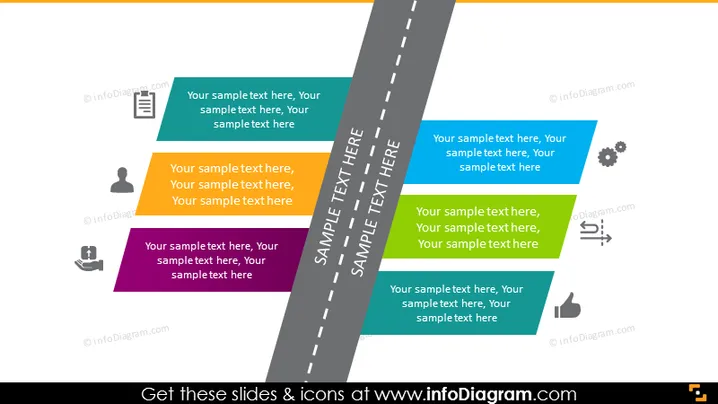
La diapositive PowerPoint est probablement destinée à illustrer la feuille de route d'un projet d'une entreprise, avec des zones de texte représentant différentes étapes ou composants d'un projet ou d'une stratégie. Ces étapes sont alignées le long d'une ligne médiane, suggérant une progression ou une chronologie. Les zones de texte contiennent du texte de remplacement indiquant où les descriptions de chaque étape devraient être placées, ce qui pourrait détailler des tâches spécifiques, des objectifs ou des jalons dans le cadre du projet.
La composition visuelle de la diapositive rappelle un chemin stylisé, avec des icônes et des zones de texte servant de jalons, créant une représentation claire et structurée d'un parcours d'affaires ou d'une chronologie de projet.



