
Your graphics add a nice touch to my presentations and I recently used them for one of my all-hands meetings. Your toolbox adds professionalism to my slides. Instead of using standard clipart.
Claude Jones, Director of Engineer, @Walmartlabs, USA
Your graphics add a nice touch to my presentations and I recently used them for one of my all-hands meetings. Your toolbox adds professionalism to my slides. Instead of using standard clipart.
Claude Jones, Director of Engineer, @Walmartlabs, USA
I needed a fresh look at some of my slides. I've tried to find a way to create a paintbrush effect, to underline, accentuate, add some color and the handwritten markers were just the things. Very easy to use, easy to size, change the color. It was an affordable, perfect solution and I'm happy to recommend it.
Anonymous, US
The crisp, clean look of the graphics, and the fact that it allowed me to easily edit and change the colors to match the template was my main reason for purchasing them.
Brandie Jenkins, E-learning Developer, USA
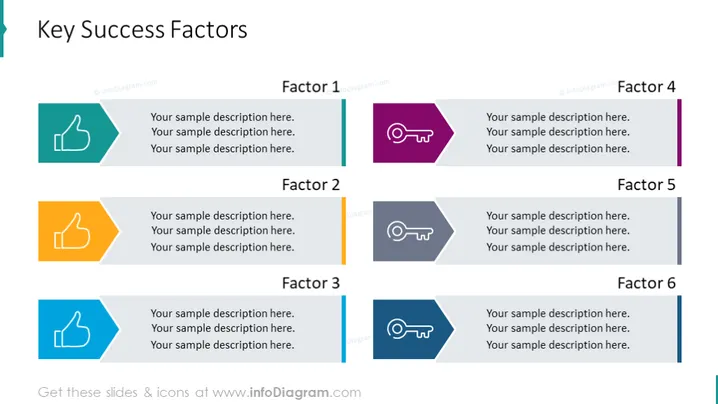
La diapositive PowerPoint présente les "Facteurs Clés de Succès" divisés en six facteurs, chacun accompagné d'un symbole et de zones de texte pour une description. Le Facteur 1 et le Facteur 3 sont symbolisés par des icônes de pouce levé, dépeignant l'approbation ou le succès. Le Facteur 2 est mis en avant avec deux pouces levés, soulignant un niveau plus élevé d'accord ou doublant le sentiment positif. Les Facteurs 4, 5 et 6 présentent des icônes similaires d'un sifflet avec des lignes, symbolisant possiblement le leadership, l'orientation ou l'attention sur des points importants. Pour chaque facteur, il y a trois lignes de texte d'exemple, indiquant où des explications détaillées devraient être insérées.




