

Your graphics add a nice touch to my presentations and I recently used them for one of my all-hands meetings. Your toolbox adds professionalism to my slides. Instead of using standard clipart.
Claude Jones, Director of Engineer, @Walmartlabs, USA

Your graphics add a nice touch to my presentations and I recently used them for one of my all-hands meetings. Your toolbox adds professionalism to my slides. Instead of using standard clipart.
Claude Jones, Director of Engineer, @Walmartlabs, USA
I needed a fresh look at some of my slides. I've tried to find a way to create a paintbrush effect, to underline, accentuate, add some color and the handwritten markers were just the things. Very easy to use, easy to size, change the color. It was an affordable, perfect solution and I'm happy to recommend it.
Anonymous, US
The crisp, clean look of the graphics, and the fact that it allowed me to easily edit and change the colors to match the template was my main reason for purchasing them.
Brandie Jenkins, E-learning Developer, USA
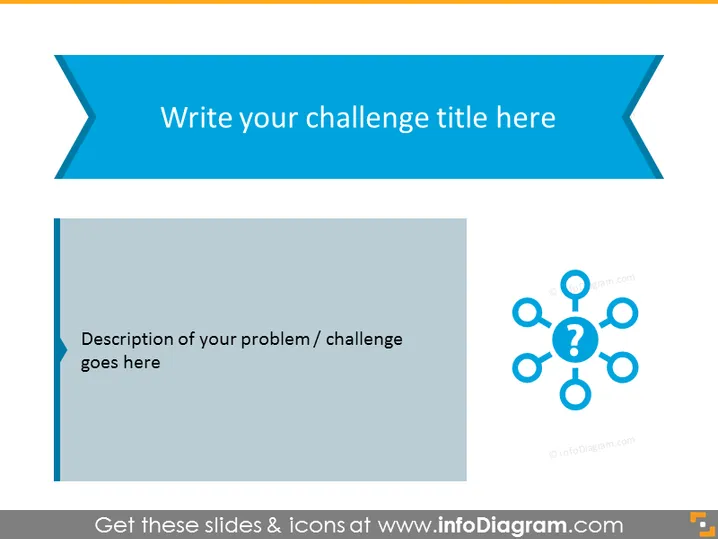
La diapositive PowerPoint est conçue pour présenter un défi ou un problème spécifique. Elle offre un espace pour le titre du défi en haut, et une description détaillée doit être placée dans la zone désignée. La diapositive utilise une représentation visuelle sous la forme d'un réseau avec des points d'interrogation, symbolisant la complexité et les aspects interconnectés du problème en question. Cette aide visuelle est potentiellement utile pour décomposer le défi en sous-composants et inciter à une discussion approfondie.
L'apparence générale de la diapositive est propre et professionnelle, utilisant une palette de couleurs limitée pour diriger l'attention vers le contenu. L'utilisation des formes et des icônes est minimaliste, favorisant un environnement propice à la concentration et à la discussion.



