

Your graphics add a nice touch to my presentations and I recently used them for one of my all-hands meetings. Your toolbox adds professionalism to my slides. Instead of using standard clipart.
Claude Jones, Director of Engineer, @Walmartlabs, USA

Your graphics add a nice touch to my presentations and I recently used them for one of my all-hands meetings. Your toolbox adds professionalism to my slides. Instead of using standard clipart.
Claude Jones, Director of Engineer, @Walmartlabs, USA
I needed a fresh look at some of my slides. I've tried to find a way to create a paintbrush effect, to underline, accentuate, add some color and the handwritten markers were just the things. Very easy to use, easy to size, change the color. It was an affordable, perfect solution and I'm happy to recommend it.
Anonymous, US
The crisp, clean look of the graphics, and the fact that it allowed me to easily edit and change the colors to match the template was my main reason for purchasing them.
Brandie Jenkins, E-learning Developer, USA
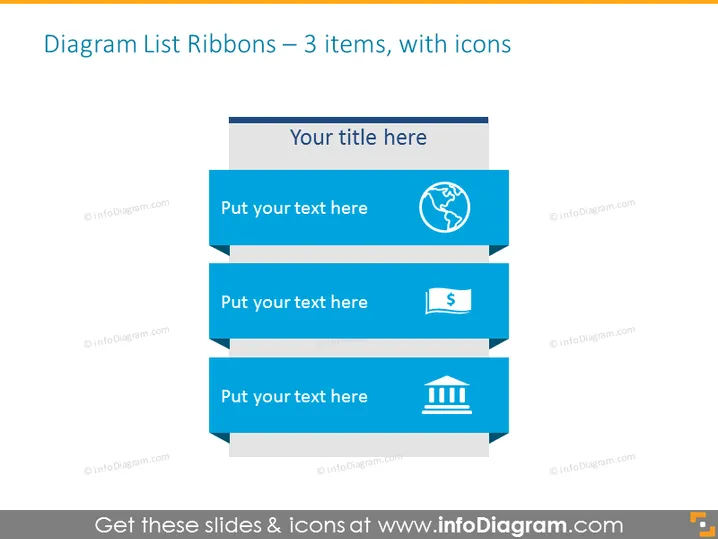
La diapositive PowerPoint intitulée "Liste de diapositives des bannières en ruban – 3 éléments, avec icônes" présente une séquence de trois graphiques de bannières en forme de ruban, chacun associé à une icône unique. Ces rubans sont conçus pour que les spectateurs insèrent des descripteurs brefs ou des points de balle. Le premier ruban comprend une icône de globe, indiquant une connexion potentielle à des enjeux ou sujets mondiaux. Le deuxième présente un symbole monétaire, représentant souvent des affaires financières. Enfin, le troisième ruban arbore une icône de colonne de bâtiment, généralement liée à des sujets institutionnels ou fondamentaux.
La diapositive a une apparence moderne et professionnelle, avec un design propre et structuré. L'utilisation cohérente des tons bleus et des icônes simplistes permet une interprétation facile du contenu.



