

Your graphics add a nice touch to my presentations and I recently used them for one of my all-hands meetings. Your toolbox adds professionalism to my slides. Instead of using standard clipart.
Claude Jones, Director of Engineer, @Walmartlabs, USA

Your graphics add a nice touch to my presentations and I recently used them for one of my all-hands meetings. Your toolbox adds professionalism to my slides. Instead of using standard clipart.
Claude Jones, Director of Engineer, @Walmartlabs, USA
I needed a fresh look at some of my slides. I've tried to find a way to create a paintbrush effect, to underline, accentuate, add some color and the handwritten markers were just the things. Very easy to use, easy to size, change the color. It was an affordable, perfect solution and I'm happy to recommend it.
Anonymous, US
The crisp, clean look of the graphics, and the fact that it allowed me to easily edit and change the colors to match the template was my main reason for purchasing them.
Brandie Jenkins, E-learning Developer, USA
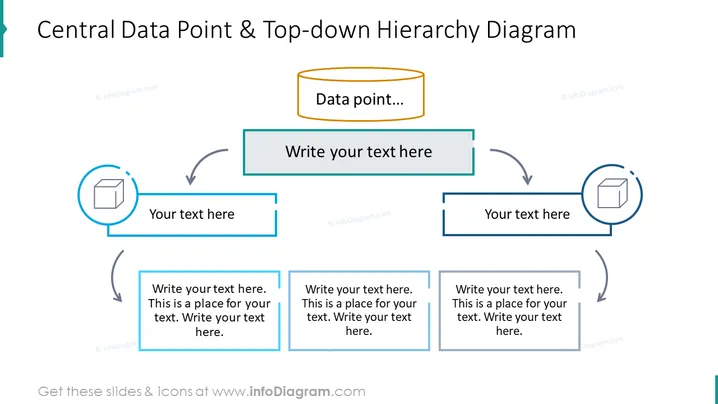
La diapositive présente un schéma de hiérarchie structuré axé sur un point de données central, indiquant une source à partir de laquelle d'autres éléments ou concepts se ramifient. Cette configuration pourrait représenter des structures organisationnelles, des flux de données ou des cadres conceptuels où un nœud central revêt une importance significative. L'élément central est étiqueté "Point de données...", suggérant qu'il s'agit du sujet clé, à partir duquel toutes les autres informations ou sous-éléments connexes émanent. Environnant ce point central se trouvent trois zones réservées pour ajouter du texte ou des descriptions connexes, chacune connectée par une flèche, signifiant un flux ou une influence, et contenant chacune une icône d'un paquet, ce qui implique un contenu, des composants ou des informations emballées.



