

Your graphics add a nice touch to my presentations and I recently used them for one of my all-hands meetings. Your toolbox adds professionalism to my slides. Instead of using standard clipart.
Claude Jones, Director of Engineer, @Walmartlabs, USA

Your graphics add a nice touch to my presentations and I recently used them for one of my all-hands meetings. Your toolbox adds professionalism to my slides. Instead of using standard clipart.
Claude Jones, Director of Engineer, @Walmartlabs, USA
I needed a fresh look at some of my slides. I've tried to find a way to create a paintbrush effect, to underline, accentuate, add some color and the handwritten markers were just the things. Very easy to use, easy to size, change the color. It was an affordable, perfect solution and I'm happy to recommend it.
Anonymous, US
The crisp, clean look of the graphics, and the fact that it allowed me to easily edit and change the colors to match the template was my main reason for purchasing them.
Brandie Jenkins, E-learning Developer, USA
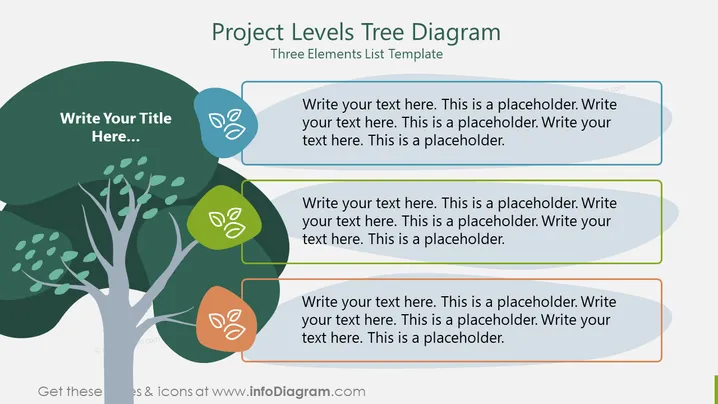
La diapositive PowerPoint est intitulée "Diagramme en Arbre des Niveaux de Projet" et sert de modèle liste à trois éléments. Elle semble être conçue pour organiser et présenter des informations hiérarchiques ou différents niveaux au sein d'un projet. Chaque 'feuille' sur l'arbre représente un point de discussion ou un niveau dans la structure du projet, avec un texte de remplacement indiquant où des descriptions détaillées doivent être saisies. Ce modèle pourrait être utilisé pour montrer la répartition d'un projet en ses composants principaux, phases ou tâches spécifiques.



