

Your graphics add a nice touch to my presentations and I recently used them for one of my all-hands meetings. Your toolbox adds professionalism to my slides. Instead of using standard clipart.
Claude Jones, Director of Engineer, @Walmartlabs, USA

Your graphics add a nice touch to my presentations and I recently used them for one of my all-hands meetings. Your toolbox adds professionalism to my slides. Instead of using standard clipart.
Claude Jones, Director of Engineer, @Walmartlabs, USA
I needed a fresh look at some of my slides. I've tried to find a way to create a paintbrush effect, to underline, accentuate, add some color and the handwritten markers were just the things. Very easy to use, easy to size, change the color. It was an affordable, perfect solution and I'm happy to recommend it.
Anonymous, US
The crisp, clean look of the graphics, and the fact that it allowed me to easily edit and change the colors to match the template was my main reason for purchasing them.
Brandie Jenkins, E-learning Developer, USA
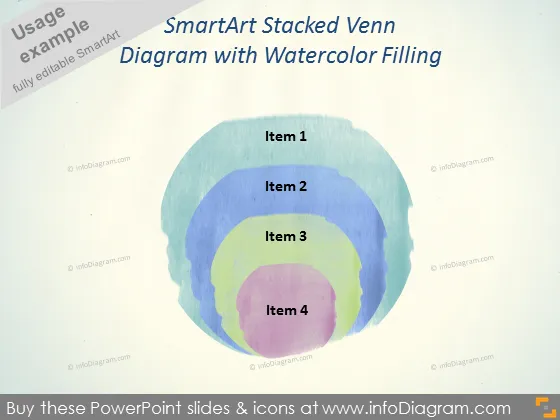
La diapositive PowerPoint présente un diagramme de Venn empilé SmartArt avec quatre cercles qui se chevauchent, chacun étiqueté de l'élément 1 à l'élément 4. Ce diagramme de Venn représente visuellement les relations interconnectées ou les traits communs parmi les quatre éléments distincts. Les diagrammes de Venn comme celui-ci sont souvent utilisés pour illustrer le concept de chevauchement et de différence au sein de plusieurs ensembles, permettant aux spectateurs de saisir facilement les points communs et les caractéristiques uniques de chaque élément.



