

Your graphics add a nice touch to my presentations and I recently used them for one of my all-hands meetings. Your toolbox adds professionalism to my slides. Instead of using standard clipart.
Claude Jones, Director of Engineer, @Walmartlabs, USA

Your graphics add a nice touch to my presentations and I recently used them for one of my all-hands meetings. Your toolbox adds professionalism to my slides. Instead of using standard clipart.
Claude Jones, Director of Engineer, @Walmartlabs, USA
I needed a fresh look at some of my slides. I've tried to find a way to create a paintbrush effect, to underline, accentuate, add some color and the handwritten markers were just the things. Very easy to use, easy to size, change the color. It was an affordable, perfect solution and I'm happy to recommend it.
Anonymous, US
The crisp, clean look of the graphics, and the fact that it allowed me to easily edit and change the colors to match the template was my main reason for purchasing them.
Brandie Jenkins, E-learning Developer, USA
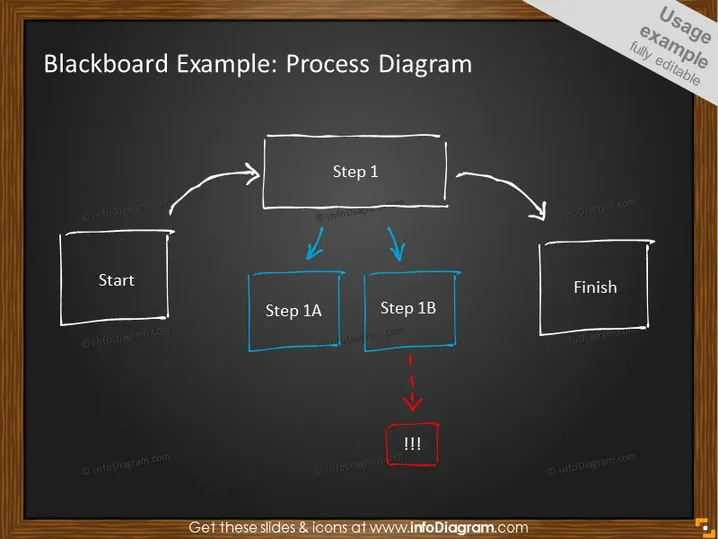
La diapositive semble illustrer un flux de processus de base utilisant un thème de style tableau noir. Elle commence par un bloc étiqueté "Début", suivi d'une flèche pointant vers un bloc rectangulaire intitulé "Étape 1". Ensuite, deux flèches divergentes de "Étape 1" mènent à deux étapes concurrentes étiquetées "Étape 1A" et "Étape 1B", chacune représentée dans des blocs rectangulaires bleus séparés. Un point critique est indiqué après "Étape 1B" avec un bloc encadré de rouge contenant trois points d'exclamation. Enfin, une ligne se connecte au bloc final étiqueté "Fin".
L'aspect global de la diapositive est créatif et informel, avec un design qui imite une méthode d'enseignement traditionnelle sur tableau noir. L'utilisation de la couleur est minimale mais efficace, mettant en avant des éléments importants.



