
Your graphics add a nice touch to my presentations and I recently used them for one of my all-hands meetings. Your toolbox adds professionalism to my slides. Instead of using standard clipart.
Claude Jones, Director of Engineer, @Walmartlabs, USA

Your graphics add a nice touch to my presentations and I recently used them for one of my all-hands meetings. Your toolbox adds professionalism to my slides. Instead of using standard clipart.
Claude Jones, Director of Engineer, @Walmartlabs, USA

I needed a fresh look at some of my slides. I've tried to find a way to create a paintbrush effect, to underline, accentuate, add some color and the handwritten markers were just the things. Very easy to use, easy to size, change the color. It was an affordable, perfect solution and I'm happy to recommend it.
Anonymous, US
The crisp, clean look of the graphics, and the fact that it allowed me to easily edit and change the colors to match the template was my main reason for purchasing them.
Brandie Jenkins, E-learning Developer, USA
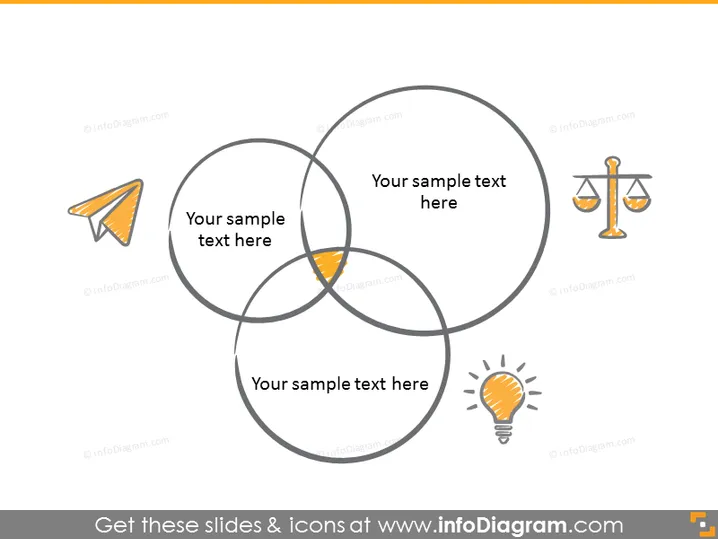
La diapositive PowerPoint semble illustrer un chevauchement conceptuel de trois domaines différents, chacun accompagné d'une icône représentant des idées ou thèmes différents. Le premier domaine comprend une icône d'avion en papier, qui pourrait symboliser la vitesse, la livraison ou la communication. Le deuxième présente une balance, qui représente souvent la justice, l'équilibre ou la loi. Le dernier domaine met en avant une ampoule, une métaphore courante de l'innovation, des idées ou de la créativité. Cette configuration de diagramme de Venn est une manière répandue de démontrer comment différents concepts se croisent et où ils pourraient se combiner pour créer un nouvel espace partagé - montré par le centre chevauchant.
La diapositive a un aspect propre et moderne avec un schéma de couleurs simpliste qui met l'accent sur la clarté et le focus sur le contenu. L'utilisation d'icônes universellement reconnaissables aide à transmettre les concepts pour chaque catégorie de manière concise.


