

Your graphics add a nice touch to my presentations and I recently used them for one of my all-hands meetings. Your toolbox adds professionalism to my slides. Instead of using standard clipart.
Claude Jones, Director of Engineer, @Walmartlabs, USA

Your graphics add a nice touch to my presentations and I recently used them for one of my all-hands meetings. Your toolbox adds professionalism to my slides. Instead of using standard clipart.
Claude Jones, Director of Engineer, @Walmartlabs, USA
I needed a fresh look at some of my slides. I've tried to find a way to create a paintbrush effect, to underline, accentuate, add some color and the handwritten markers were just the things. Very easy to use, easy to size, change the color. It was an affordable, perfect solution and I'm happy to recommend it.
Anonymous, US
The crisp, clean look of the graphics, and the fact that it allowed me to easily edit and change the colors to match the template was my main reason for purchasing them.
Brandie Jenkins, E-learning Developer, USA
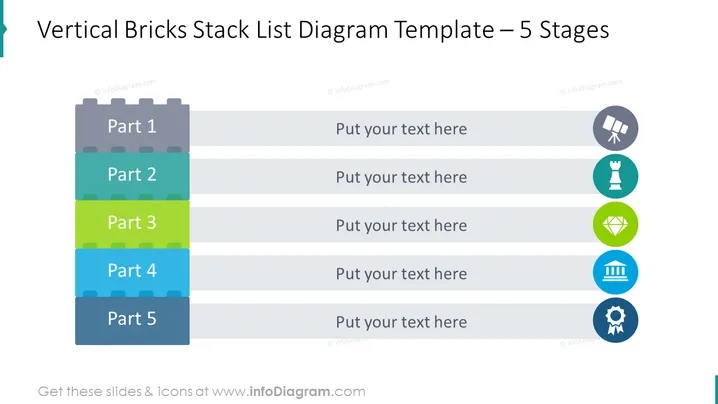
La diapositive présente un processus en cinq étapes à l'aide d'un diagramme de liste de blocs verticaux empilés, suggérant un concept de construction ou de développement où chaque bloc représente une étape séquentielle. "Partie 1" est en haut, indiquant le début ou la première étape d'un processus. "Partie 2" suit, représentant typiquement la deuxième phase. "Partie 3" continue la séquence, introduisant peut-être une étape clé. "Partie 4" suggère une étape avant-dernière, approchant de la fin d'un processus. "Partie 5" est en bas, désignant la dernière étape ou le résultat de la séquence. Accompagnant chaque étape, des espaces réservés avec "Mettez votre texte ici" suggèrent où entrer des descriptions détaillées.
La composition visuelle de la diapositive est directe et focalisée, utilisant des graphiques simples pour représenter un processus étape par étape. L'élément répété de la 'brique' donne une impression de construction ou de progression, tandis que les icônes



