

Your graphics add a nice touch to my presentations and I recently used them for one of my all-hands meetings. Your toolbox adds professionalism to my slides. Instead of using standard clipart.
Claude Jones, Director of Engineer, @Walmartlabs, USA

Your graphics add a nice touch to my presentations and I recently used them for one of my all-hands meetings. Your toolbox adds professionalism to my slides. Instead of using standard clipart.
Claude Jones, Director of Engineer, @Walmartlabs, USA
I needed a fresh look at some of my slides. I've tried to find a way to create a paintbrush effect, to underline, accentuate, add some color and the handwritten markers were just the things. Very easy to use, easy to size, change the color. It was an affordable, perfect solution and I'm happy to recommend it.
Anonymous, US
The crisp, clean look of the graphics, and the fact that it allowed me to easily edit and change the colors to match the template was my main reason for purchasing them.
Brandie Jenkins, E-learning Developer, USA
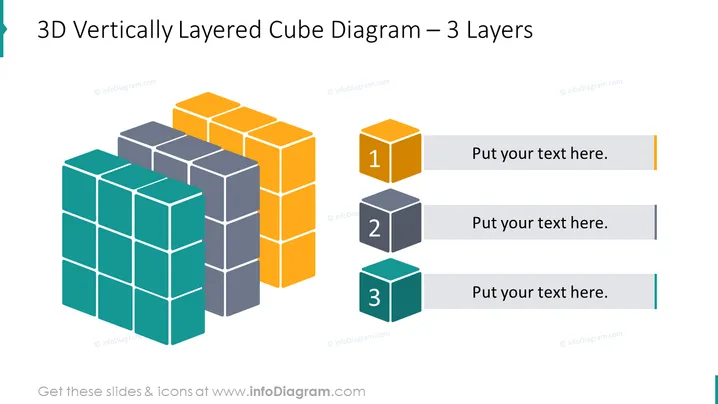
Le Diagramme de Cube Verticalement Layered 3D vous permet de visualiser les relations entre trois aspects ou couches différents d'un concept ou d'une idée particulière. Par exemple, vous pouvez utiliser cette diapositive PowerPoint pour illustrer les trois couches différentes des stratégies de marketing que vous pourriez utiliser pour atteindre votre public cible. Vous pouvez étiqueter les couches comme le marketing sur les réseaux sociaux, le marketing par e-mail et la publicité traditionnelle, et expliquer comment ces trois couches fonctionnent ensemble pour atteindre vos objectifs marketing. Vous pouvez télécharger ce modèle PPT sur Google Slides et Keynote.
Fond blanc, Boîte de texte, Infographies de cube 3D jaune, Infographies de cube 3D gris, Infographies de cube 3D bleu.



