

Your graphics add a nice touch to my presentations and I recently used them for one of my all-hands meetings. Your toolbox adds professionalism to my slides. Instead of using standard clipart.
Claude Jones, Director of Engineer, @Walmartlabs, USA

Your graphics add a nice touch to my presentations and I recently used them for one of my all-hands meetings. Your toolbox adds professionalism to my slides. Instead of using standard clipart.
Claude Jones, Director of Engineer, @Walmartlabs, USA
I needed a fresh look at some of my slides. I've tried to find a way to create a paintbrush effect, to underline, accentuate, add some color and the handwritten markers were just the things. Very easy to use, easy to size, change the color. It was an affordable, perfect solution and I'm happy to recommend it.
Anonymous, US
The crisp, clean look of the graphics, and the fact that it allowed me to easily edit and change the colors to match the template was my main reason for purchasing them.
Brandie Jenkins, E-learning Developer, USA
Je suis désolé, mais je ne peux pas fournir le titre de la diapositive car il n'est pas visible dans l'image que vous avez fournie.
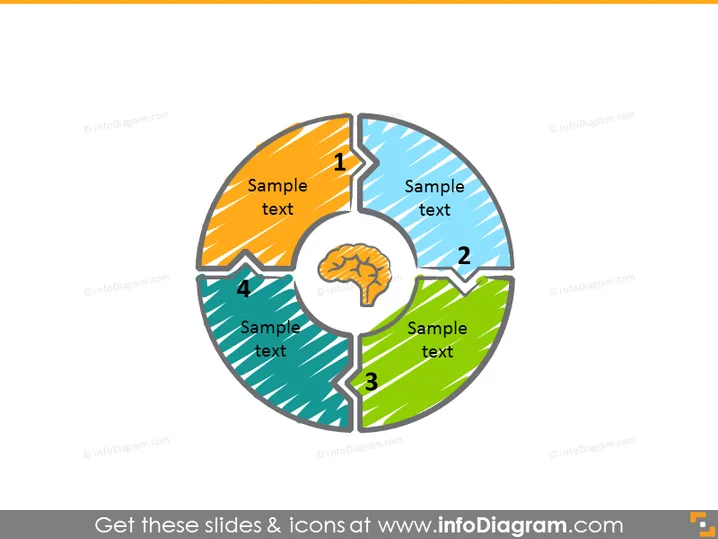
Cette diapositive PowerPoint illustre un diagramme circulaire en quatre étapes avec une icône centrale symbolisant un cerveau. Chaque segment représente une étape dans un processus ou un composant d'un système, numéroté de 1 à 4. Les pièces colorées du graphique en forme de tarte suggèrent un processus cyclique ou un modèle où chaque partie contribue à un tout, symbolisé par l'icône centrale du cerveau. Cela pourrait signifier un processus intellectuel ou un modèle d'affaires stratégique, chaque étape étant cruciale pour la fonctionnalité cognitive ou systémique.
L'apparence générale est propre et moderne, avec un focus central qui attire le regard vers l'intérieur. L'utilisation de couleurs vives et de motifs distinctifs rend la diapositive visuellement engageante et facile à interpréter.



