
Your graphics add a nice touch to my presentations and I recently used them for one of my all-hands meetings. Your toolbox adds professionalism to my slides. Instead of using standard clipart.
Claude Jones, Director of Engineer, @Walmartlabs, USA
Your graphics add a nice touch to my presentations and I recently used them for one of my all-hands meetings. Your toolbox adds professionalism to my slides. Instead of using standard clipart.
Claude Jones, Director of Engineer, @Walmartlabs, USA
I needed a fresh look at some of my slides. I've tried to find a way to create a paintbrush effect, to underline, accentuate, add some color and the handwritten markers were just the things. Very easy to use, easy to size, change the color. It was an affordable, perfect solution and I'm happy to recommend it.
Anonymous, US
The crisp, clean look of the graphics, and the fact that it allowed me to easily edit and change the colors to match the template was my main reason for purchasing them.
Brandie Jenkins, E-learning Developer, USA
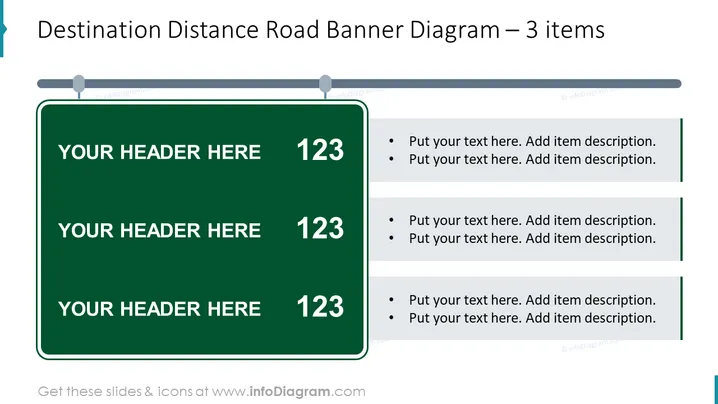
La diapositive présente un "Diagramme de Panneau de Distance de Destination" avec trois éléments destinés à afficher une séquence ou une progression d'étapes ou de jalons. Chaque élément ressemble à un panneau de signalisation, avec de l'espace pour personnaliser un en-tête et un détail numérique, suivi d'un texte par points détaillant chaque étape ou point respectif. Le format suggère une distance ou une progression croissante, reliant le concept de feuille de route au suivi de projet ou d'objectif.
La diapositive a une apparence professionnelle, utilisant des images de panneaux de signalisation pour transmettre un sens de direction ou de progression. Sa mise en page structurée et symétrique favorise la clarté, rendant le contenu facile à suivre et à comprendre.




