
Your graphics add a nice touch to my presentations and I recently used them for one of my all-hands meetings. Your toolbox adds professionalism to my slides. Instead of using standard clipart.
Claude Jones, Director of Engineer, @Walmartlabs, USA
Your graphics add a nice touch to my presentations and I recently used them for one of my all-hands meetings. Your toolbox adds professionalism to my slides. Instead of using standard clipart.
Claude Jones, Director of Engineer, @Walmartlabs, USA
I needed a fresh look at some of my slides. I've tried to find a way to create a paintbrush effect, to underline, accentuate, add some color and the handwritten markers were just the things. Very easy to use, easy to size, change the color. It was an affordable, perfect solution and I'm happy to recommend it.
Anonymous, US
The crisp, clean look of the graphics, and the fact that it allowed me to easily edit and change the colors to match the template was my main reason for purchasing them.
Brandie Jenkins, E-learning Developer, USA
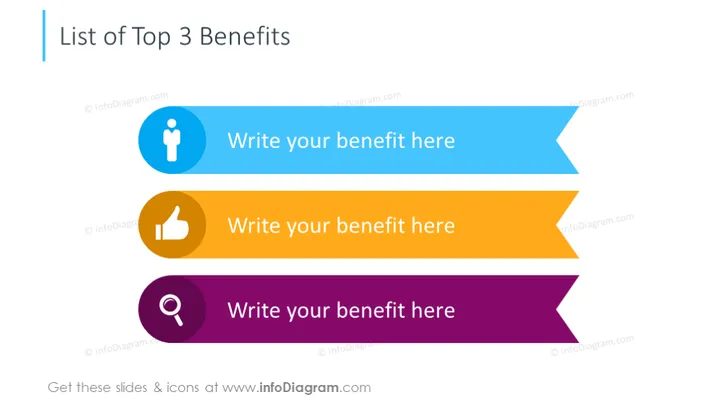
La diapositive est conçue pour présenter les trois principaux avantages d'un produit, d'un service ou d'un concept. Chaque avantage se voit attribuer un espace distinct, marqué par une bannière colorée et accompagné d'une icône qui visualise la nature de l'avantage. Par exemple, une icône de personne peut représenter un avantage lié au développement personnel ou au service client, une icône de pouce levé peut suggérer une approbation ou une satisfaction, et une loupe pourrait être associée à des insights ou à une découverte.
La composition visuelle de la diapositive est minimaliste et accrocheuse, avec une emphase claire sur le contenu à l'intérieur des bannières en forme de flèche. L'utilisation de couleurs contrastantes et d'icônes segmente efficacement l'information et crée une hiérarchie visuellement attrayante.




