


Cover and narrative setup




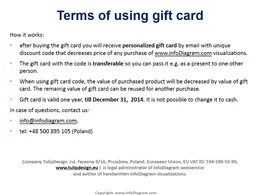
Deck preview
This template does not have a dedicated before/after case study, so we show the strongest slides from the actual deck instead.
Cover and narrative setup

Core structure and talking points
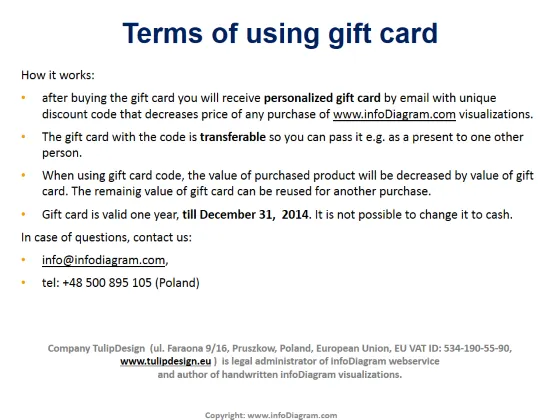
Polished visual slide from the deck
Carte-cadeau pour l'achat de visualisations infoDiagram
Carte-cadeau pour l'achat de toutes les visualisations infoDiagram.com, valable 1 an

Seus gráficos dão um toque agradável às minhas apresentações e eu os usei recentemente para uma das minhas reuniões gerais. Sua caixa de ferramentas adiciona profissionalismo aos meus slides. Em vez de usar clipart padrão.
Claude Jones, Diretor de Engenharia, @Walmartlabs, USA
Eu precisava de um novo visual para alguns dos meus slides. Tentei encontrar uma maneira de criar um efeito de pincel, para sublinhar, acentuar, adicionar alguma cor e os marcadores manuscritos foram exatamente o que eu procurava. Muito fácil de usar, fácil de redimensionar, mudar a cor. Foi uma solução acessível e perfeita e estou feliz em recomendá-la.
Anonymous, US
A aparência nítida e limpa dos gráficos, e o fato de me permitir editar e alterar facilmente as cores para combinar com o modelo, foi o principal motivo para comprá-los.
Brandie Jenkins, Desenvolvedor de E-learning, USA



Vous pourriez aussi avoir besoin de