

Your graphics add a nice touch to my presentations and I recently used them for one of my all-hands meetings. Your toolbox adds professionalism to my slides. Instead of using standard clipart.
Claude Jones, Director of Engineer, @Walmartlabs, USA

Before and after
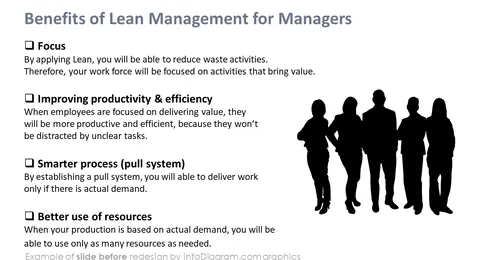
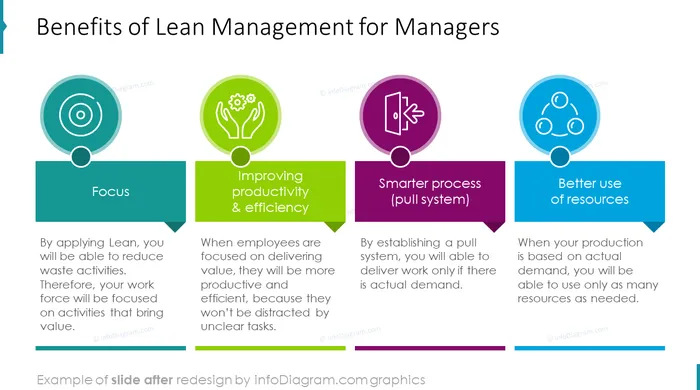
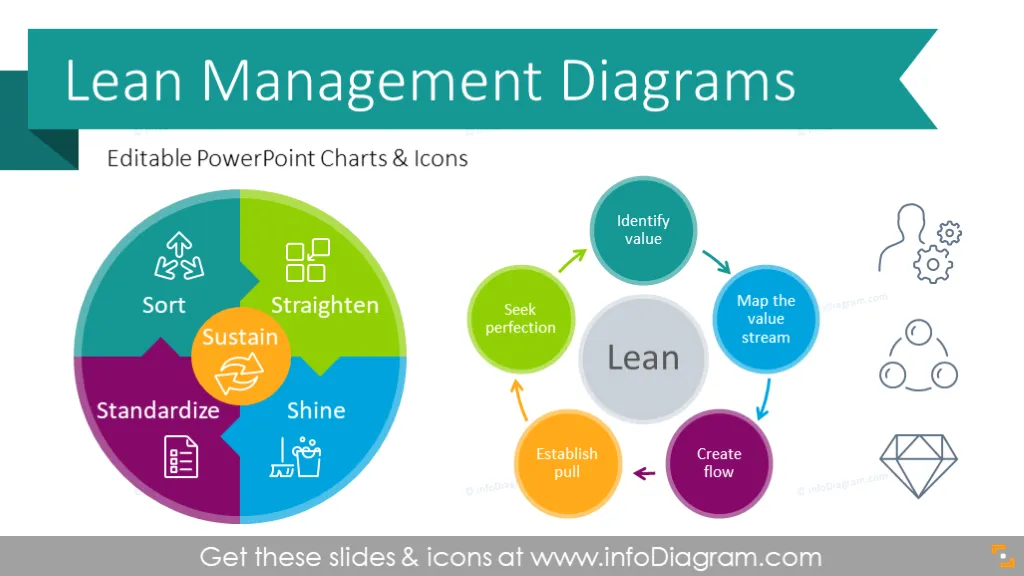
PowerPoint Editable infographics charts of Lean Management Principles and fundamental lean methodology. These diagrams can be used to visualize lean overview presentations or articles on Kaizen approach to manufacturing or services. We included visual representation of basic lean procedures and elements.
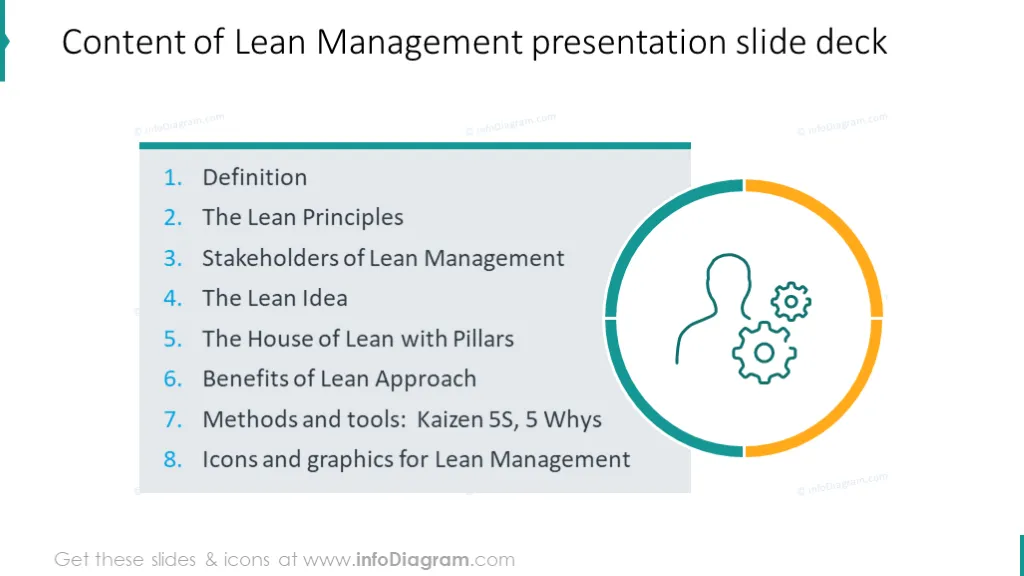
The lean management template deck includes:
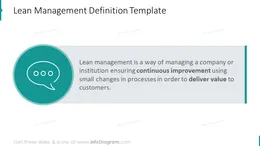
Lean management is a way of managing a company or institution ensuring continuous improvement using small changes in processes in order to deliver value to customers.
You can simply copy one of diagrams into your slide deck, to illustrate your presentation or other materials by vivid visuals. You can modify each shape color, add text descriptions or replace symbols.
Using diagrams helps to express main principles of lean approach in clear and eye-catching way.
On last slides you have set of multiple icons you can use. You can also extend the icon collection by getting additional PPT icons (see Related Diagrams section).
Colors of these diagram shapes and icons are fully editable (all graphics is a vector format). So you can change them to colors of your template or company brand.
Lean Management Diagrams contains ready-to-use slides:
Fully editable in PowerPoint set of vector shapes fully editable by using built-in PowerPoint tools, including
See editing demonstration in our HowTo Videos.
Your graphics add a nice touch to my presentations and I recently used them for one of my all-hands meetings. Your toolbox adds professionalism to my slides. Instead of using standard clipart.
Claude Jones, Director of Engineer, @Walmartlabs, USA
I needed a fresh look at some of my slides. I've tried to find a way to create a paintbrush effect, to underline, accentuate, add some color and the handwritten markers were just the things. Very easy to use, easy to size, change the color. It was an affordable, perfect solution and I'm happy to recommend it.
Anonymous, US
The crisp, clean look of the graphics, and the fact that it allowed me to easily edit and change the colors to match the template was my main reason for purchasing them.
Brandie Jenkins, E-learning Developer, USA



You may also need