
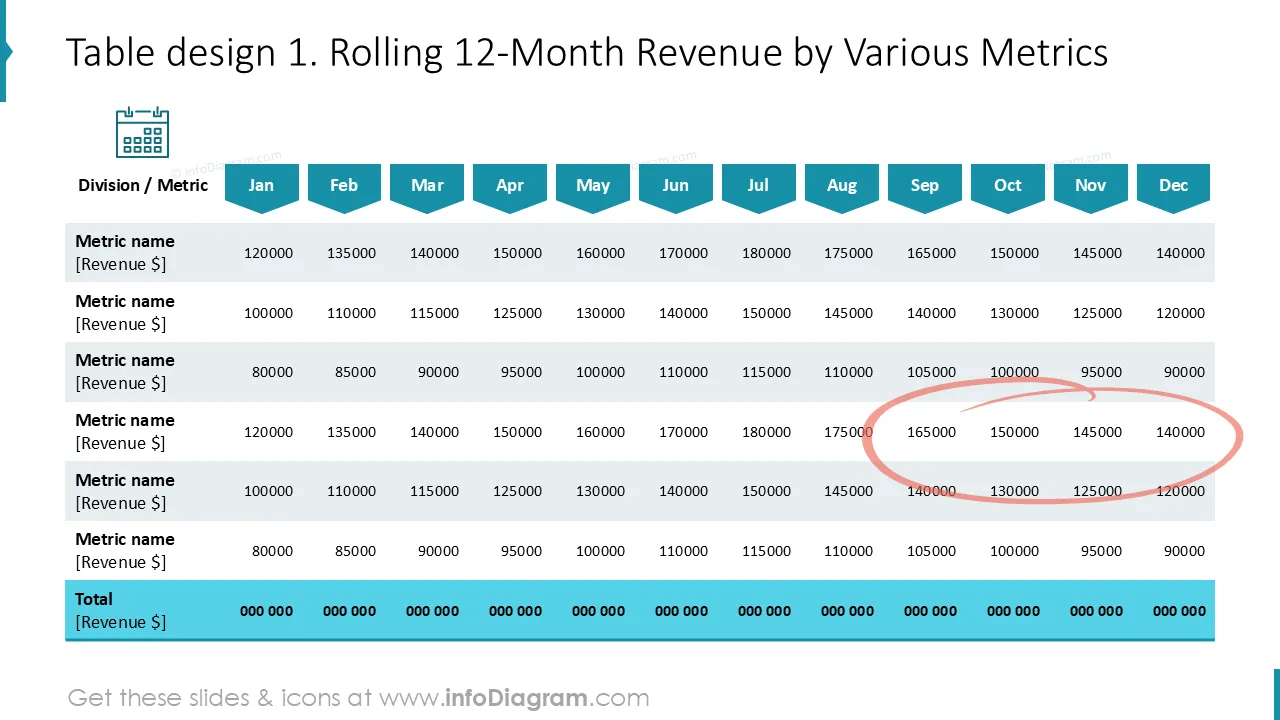
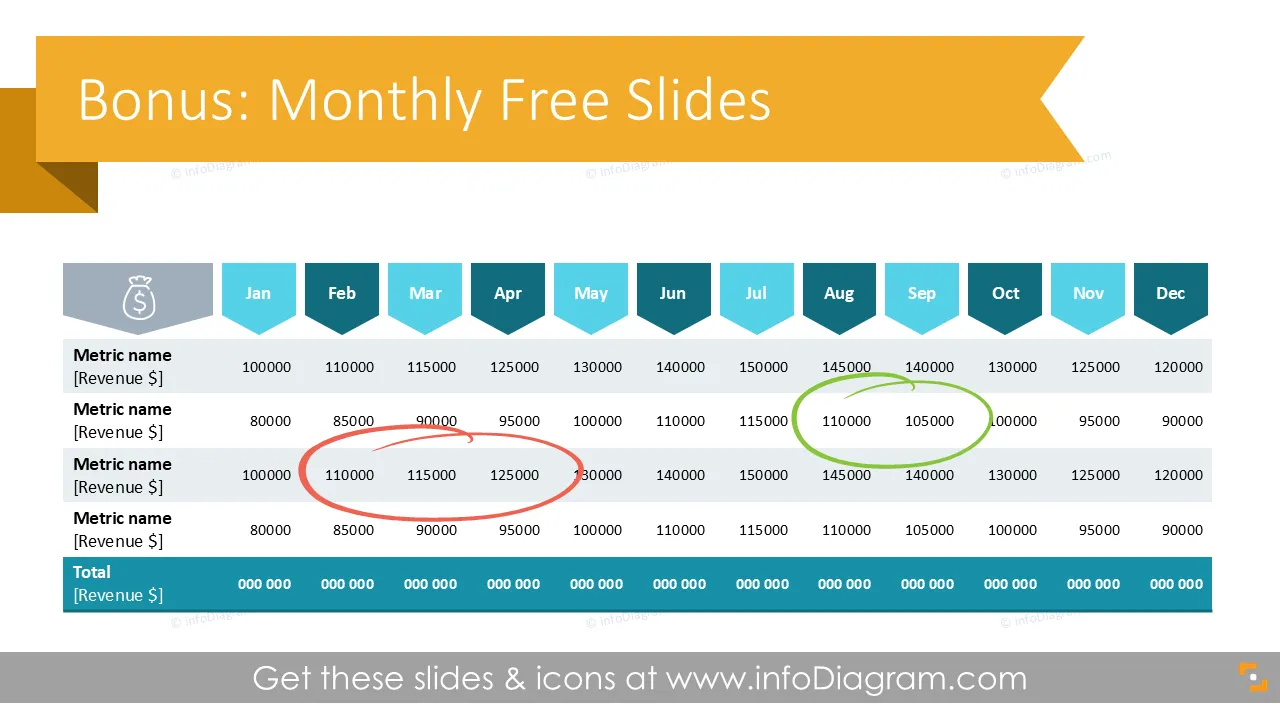
Cover and narrative setup

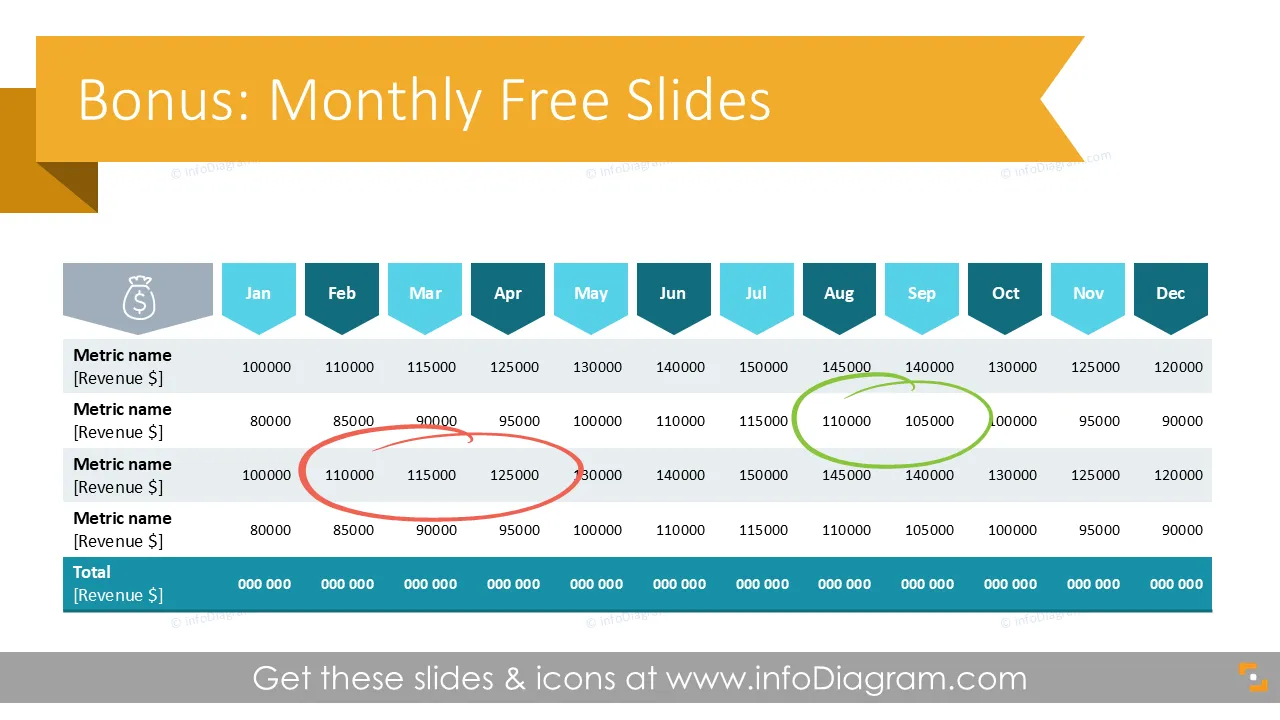
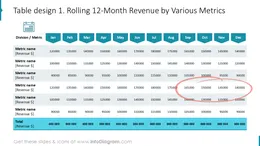
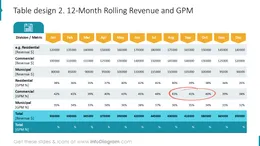
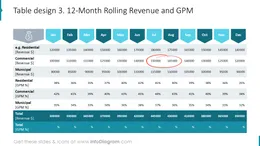
Deck preview
This template does not have a dedicated before/after case study, so we show the strongest slides from the actual deck instead.
Cover and narrative setup
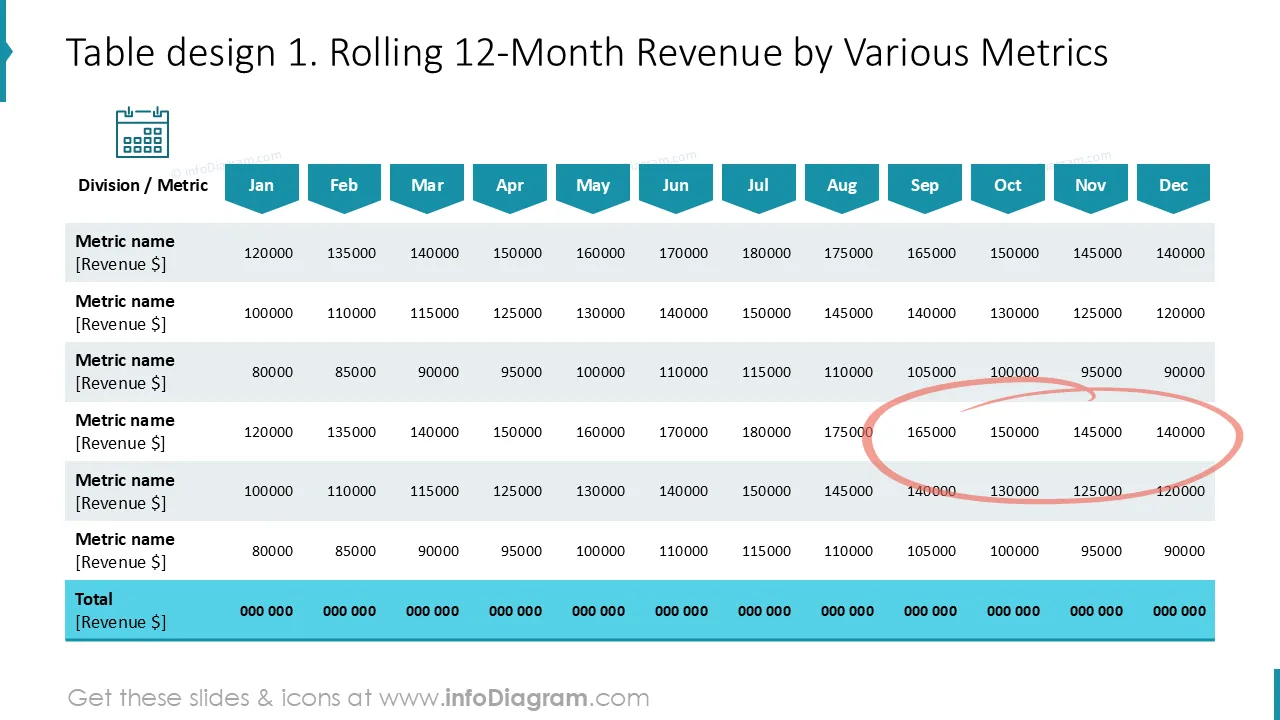
Core structure and talking points
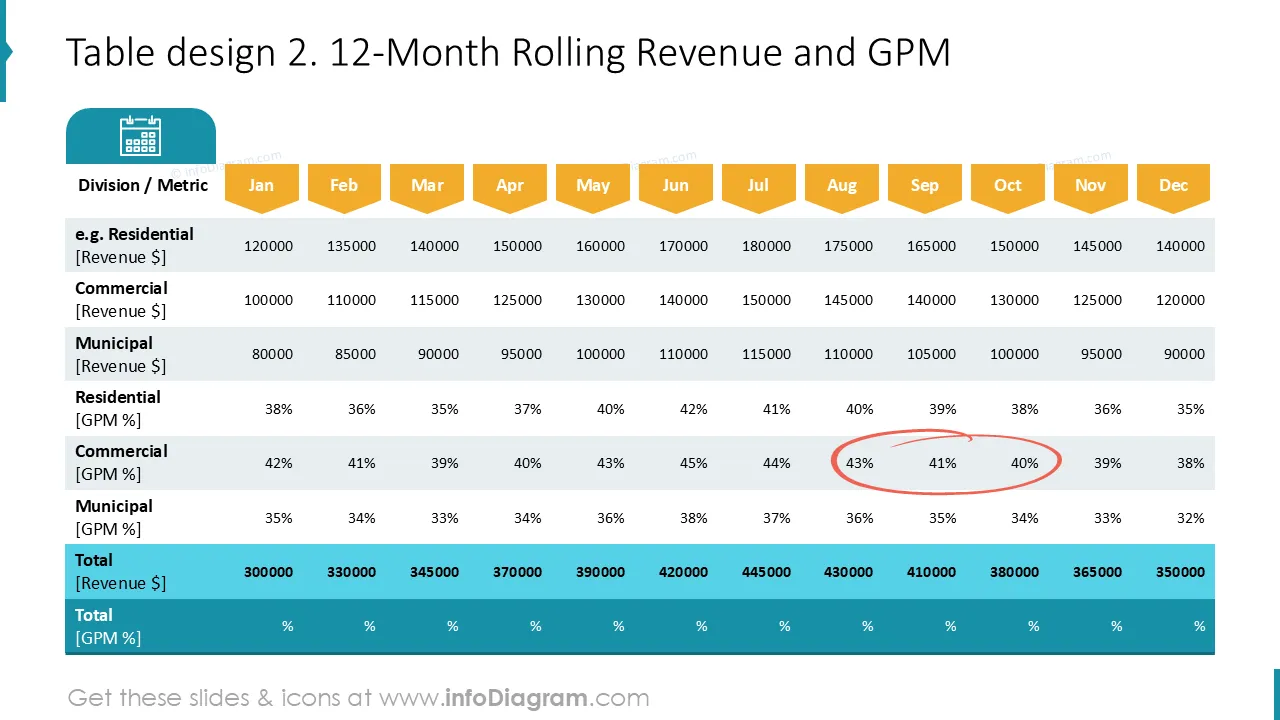
Polished visual slide from the deck
Hey there! We hope our bonus slides will help you find clear and creative ways to share complex data. Telling the story graphically has so many benefits, and we want to support you in that: slide by slide :)
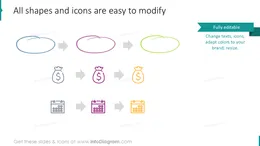
You can easily customize these slides according to your needs: colors, icons, and backgrounds can be changed using standard tools.
In case you have any feedback and/or questions, or you just want to say Hi, contact us: here

Sus gráficos añaden un toque agradable a mis presentaciones y recientemente los usé para una de mis reuniones generales. Su conjunto de herramientas añade profesionalismo a mis diapositivas. En lugar de usar imágenes prediseñadas estándar.
Claude Jones, Director of Engineer, @Walmartlabs, USA
Necesitaba un aspecto fresco para algunas de mis diapositivas. Había intentado encontrar una forma de crear un efecto de pincel, de subrayar, acentuar, añadir algo de color y los marcadores escritos a mano fueron justo lo que necesitaba. Muy fácil de usar, fácil de ajustar el tamaño, cambiar el color. Fue una solución asequible y perfecta, y estoy feliz de recomendarla.
Anonymous, US
El aspecto nítido y limpio de los gráficos, y el hecho de que me permitiera editar y cambiar fácilmente los colores para que coincidieran con la plantilla fue mi principal razón para comprarlos.
Brandie Jenkins, Desarrollador de e-learning, USA



You may also need