
Your graphics add a nice touch to my presentations and I recently used them for one of my all-hands meetings. Your toolbox adds professionalism to my slides. Instead of using standard clipart.
Claude Jones, Director of Engineer, @Walmartlabs, USA

Your graphics add a nice touch to my presentations and I recently used them for one of my all-hands meetings. Your toolbox adds professionalism to my slides. Instead of using standard clipart.
Claude Jones, Director of Engineer, @Walmartlabs, USA

I needed a fresh look at some of my slides. I've tried to find a way to create a paintbrush effect, to underline, accentuate, add some color and the handwritten markers were just the things. Very easy to use, easy to size, change the color. It was an affordable, perfect solution and I'm happy to recommend it.
Anonymous, US
The crisp, clean look of the graphics, and the fact that it allowed me to easily edit and change the colors to match the template was my main reason for purchasing them.
Brandie Jenkins, E-learning Developer, USA
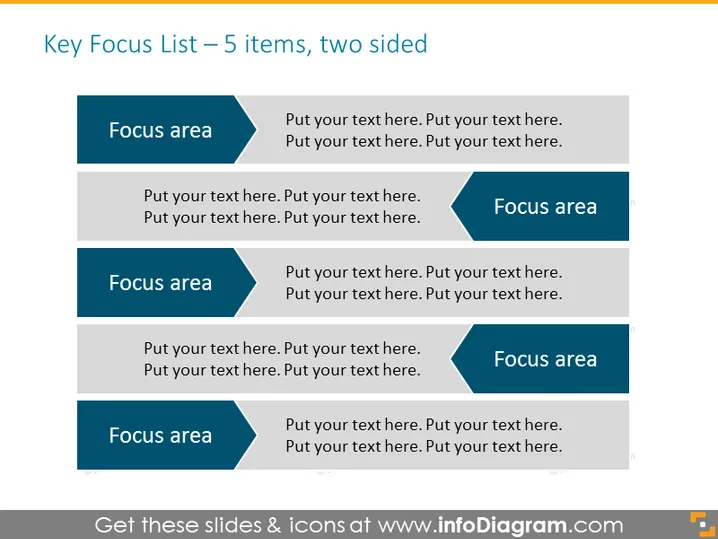
Diese PowerPoint-Folie ist dazu gedacht, eine beidseitige Liste von fünf Schlüssel-Fokusbereichen zu präsentieren. Jeder Fokusbereich wird von einem Platzhalter für erläuternden Text begleitet, der zeigt, wo ein Präsentator jeden Punkt näher erläutern kann. Zum Beispiel deutet das Konzept "Fokusbereich" auf ein Thema oder einen Aspekt hin, auf den die Organisation oder die Person sich konzentrieren oder priorisieren sollte. Der begleitende Platzhaltertext ermöglicht eine detaillierte Erklärung oder Unterpunkte, die sich auf den jeweiligen Fokusbereich beziehen.
Der Gesamteindruck dieser PowerPoint-Folie ist sauber und modern, mit einem professionellen Farbschema und ausgewogenem Layout. Der Einsatz von kontrastierenden Farben und richtungsweisenden Formen sorgt für visuelles Interesse und lenkt die Aufmerksamkeit des Zuschauers gleichmäßig über den Inhalt.


