
Your graphics add a nice touch to my presentations and I recently used them for one of my all-hands meetings. Your toolbox adds professionalism to my slides. Instead of using standard clipart.
Claude Jones, Director of Engineer, @Walmartlabs, USA
Your graphics add a nice touch to my presentations and I recently used them for one of my all-hands meetings. Your toolbox adds professionalism to my slides. Instead of using standard clipart.
Claude Jones, Director of Engineer, @Walmartlabs, USA
I needed a fresh look at some of my slides. I've tried to find a way to create a paintbrush effect, to underline, accentuate, add some color and the handwritten markers were just the things. Very easy to use, easy to size, change the color. It was an affordable, perfect solution and I'm happy to recommend it.
Anonymous, US
The crisp, clean look of the graphics, and the fact that it allowed me to easily edit and change the colors to match the template was my main reason for purchasing them.
Brandie Jenkins, E-learning Developer, USA
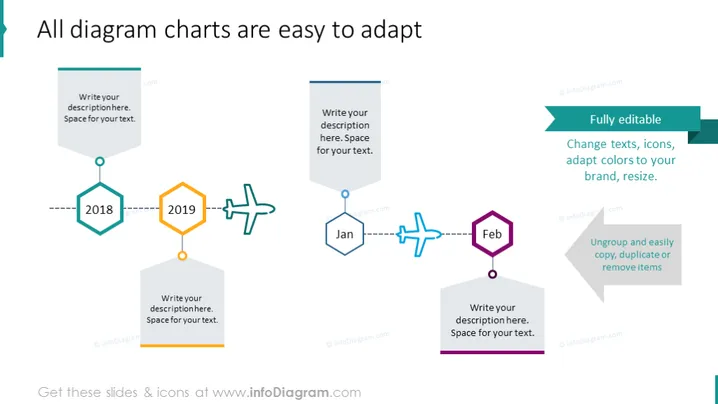
Die PowerPoint-Folie präsentiert eine Zeitachse oder einen Prozessfluss mit anpassbaren Elementen für jedes Jahr oder jeden Schritt. Beginnt mit dem Jahr "2018", gekennzeichnet durch ein grünes Sechseck, gefolgt von "2019", angezeigt durch ein orangefarbenes Achteck, und weiter zu "Jan" und "Feb", die durch blaue und lila flache Formen symbolisiert werden. Jeder Teil der Zeitachse hat Platz für Textbeschreibungen, um spezifische Informationen oder den Status zu diesem Zeitpunkt zu vermitteln.
Die Folie zeigt ein sauberes und professionelles Design, mit leicht lesbarem Text und lebendigen Farben, die die Schlüsselelemente hervorheben. Symbole und Formen bieten eine visuelle Anleitung für die Zeitachse und unterstützen die sequentielle Darstellung von Informationen.




