

Your graphics add a nice touch to my presentations and I recently used them for one of my all-hands meetings. Your toolbox adds professionalism to my slides. Instead of using standard clipart.
Claude Jones, Director of Engineer, @Walmartlabs, USA

Your graphics add a nice touch to my presentations and I recently used them for one of my all-hands meetings. Your toolbox adds professionalism to my slides. Instead of using standard clipart.
Claude Jones, Director of Engineer, @Walmartlabs, USA
I needed a fresh look at some of my slides. I've tried to find a way to create a paintbrush effect, to underline, accentuate, add some color and the handwritten markers were just the things. Very easy to use, easy to size, change the color. It was an affordable, perfect solution and I'm happy to recommend it.
Anonymous, US
The crisp, clean look of the graphics, and the fact that it allowed me to easily edit and change the colors to match the template was my main reason for purchasing them.
Brandie Jenkins, E-learning Developer, USA
Ihr Beispieltext hier. Ihr Beispieltext hier.
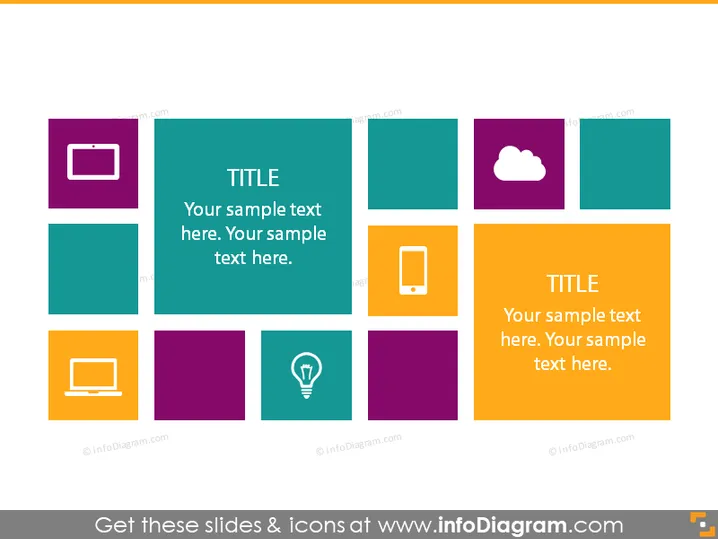
Die Folie zeigt ein Gitter mit neun farbigen Quadraten, von denen jedes möglicherweise eine einzigartige Idee oder ein Konzept darstellt. Zwei Quadrate enthalten größeren Text, der sie als Schwerpunkt mit dem Wort "TITEL" und etwas Platzhaltertext darunter kennzeichnet. Diese Schwerpunkt-Quadrate sind diagonal zueinander positioniert, was eine visuelle Verbindung oder Abfolge suggeriert. Die umgebenden Quadrate mit Icons könnten Unterthemen oder wichtige Punkte darstellen, die mit den Hauptthemen in den Schwerpunkt-Quadraten verbunden sind, und dienen dazu, die Hauptideen mit unterstützenden Informationen oder Kategorien zu erläutern.
Die Folie verwendet ein farbenfrohes und organisiertes Design mit kontrastierenden Farben, die sie visuell ansprechend und leicht navigierbar machen. Die Verwendung von Icons zusammen mit Text hilft, die Themen oder Konzepte visuell zu differenzieren.



