
Your graphics add a nice touch to my presentations and I recently used them for one of my all-hands meetings. Your toolbox adds professionalism to my slides. Instead of using standard clipart.
Claude Jones, Director of Engineer, @Walmartlabs, USA

Your graphics add a nice touch to my presentations and I recently used them for one of my all-hands meetings. Your toolbox adds professionalism to my slides. Instead of using standard clipart.
Claude Jones, Director of Engineer, @Walmartlabs, USA

I needed a fresh look at some of my slides. I've tried to find a way to create a paintbrush effect, to underline, accentuate, add some color and the handwritten markers were just the things. Very easy to use, easy to size, change the color. It was an affordable, perfect solution and I'm happy to recommend it.
Anonymous, US
The crisp, clean look of the graphics, and the fact that it allowed me to easily edit and change the colors to match the template was my main reason for purchasing them.
Brandie Jenkins, E-learning Developer, USA
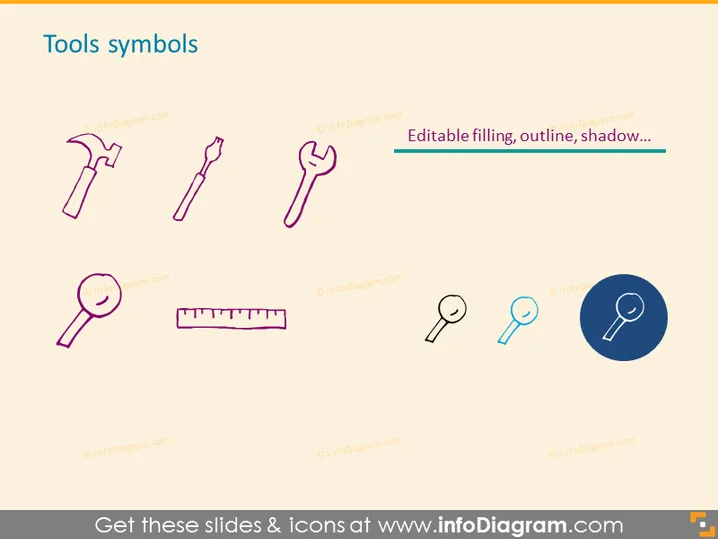
Die PowerPoint-Folie trägt den Titel "Werkzeugsymbole" und zeigt eine Reihe von acht ikonografischen Darstellungen gängiger Werkzeuge. Dazu gehören ein Hammer, ein Schraubendreher und eine Zange, die gängige Handwerkzeuge symbolisieren; ein Schraubenschlüssel, typisch für mechanische Anpassungen; eine Lupe zur Untersuchung oder Fokussierung auf Details; ein Lineal zum Messen; und zwei verschiedene Stile von Vergrößerungsgläsern, die Variation oder Optionen für die visuelle Inspektion darstellen. Eine zusätzliche Nachricht hebt bearbeitbare Eigenschaften der Symbole hervor, wie Farbfüllung, Umrisse und Schatteneffekte.
Der Gesamteindruck der Folie ist sauber und modern, mit einer Kombination aus farbigen Linienstil-Symbolen und einem hervorgehobenen Symbol. Das Layout ist gut organisiert und visuell ausgewogen, was es einfach macht, den Inhalt der Folie auf einen Blick schnell zu erfassen.


