

Your graphics add a nice touch to my presentations and I recently used them for one of my all-hands meetings. Your toolbox adds professionalism to my slides. Instead of using standard clipart.
Claude Jones, Director of Engineer, @Walmartlabs, USA

Your graphics add a nice touch to my presentations and I recently used them for one of my all-hands meetings. Your toolbox adds professionalism to my slides. Instead of using standard clipart.
Claude Jones, Director of Engineer, @Walmartlabs, USA
I needed a fresh look at some of my slides. I've tried to find a way to create a paintbrush effect, to underline, accentuate, add some color and the handwritten markers were just the things. Very easy to use, easy to size, change the color. It was an affordable, perfect solution and I'm happy to recommend it.
Anonymous, US
The crisp, clean look of the graphics, and the fact that it allowed me to easily edit and change the colors to match the template was my main reason for purchasing them.
Brandie Jenkins, E-learning Developer, USA
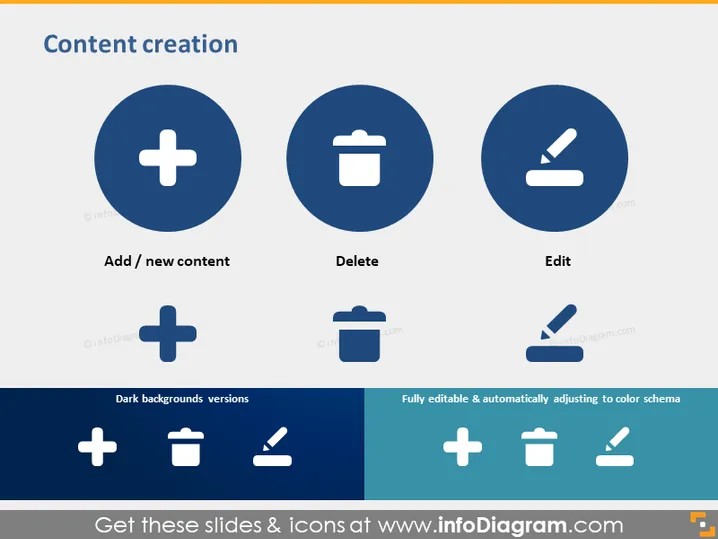
Die PowerPoint-Folie mit dem Titel "Inhaltserstellung" unterteilt den Prozess in drei zentrale Aktionen: Hinzufügen/Neuer Inhalt, Löschen und Bearbeiten. "Hinzufügen/Neuer Inhalt" steht für die Erstellung oder Einbeziehung neuer Materialien oder Informationen. "Löschen" bezieht sich auf die Entfernung von Inhalten, die nicht mehr benötigt oder relevant sind. "Bearbeiten" impliziert, bestehende Inhalte zu überarbeiten oder zu ändern, um sie zu verbessern oder nach Bedarf zu aktualisieren. Diese drei Funktionen bieten einen vereinfachten Überblick über den typischen Inhaltslebenszyklus, der für die Aufrechterhaltung aktueller und effektiver Kommunikation oder Dokumentation unerlässlich ist.
Das Gesamtdesign der Folie weist einen sauberen, professionellen Look auf mit kontrastierenden Farben, die zwischen den verschiedenen Icons und begleitendem Text effektiv unterscheiden. Die Icons sind einfach und universell erkennbar, was die Folie leicht verständlich macht.



