
Your graphics add a nice touch to my presentations and I recently used them for one of my all-hands meetings. Your toolbox adds professionalism to my slides. Instead of using standard clipart.
Claude Jones, Director of Engineer, @Walmartlabs, USA
Your graphics add a nice touch to my presentations and I recently used them for one of my all-hands meetings. Your toolbox adds professionalism to my slides. Instead of using standard clipart.
Claude Jones, Director of Engineer, @Walmartlabs, USA
I needed a fresh look at some of my slides. I've tried to find a way to create a paintbrush effect, to underline, accentuate, add some color and the handwritten markers were just the things. Very easy to use, easy to size, change the color. It was an affordable, perfect solution and I'm happy to recommend it.
Anonymous, US
The crisp, clean look of the graphics, and the fact that it allowed me to easily edit and change the colors to match the template was my main reason for purchasing them.
Brandie Jenkins, E-learning Developer, USA
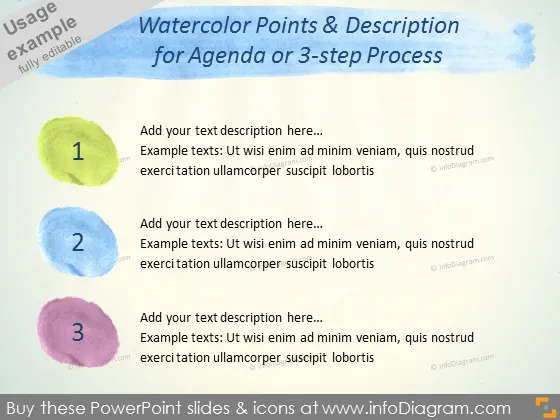
Die PowerPoint-Folie trägt den Titel "Aquarellpunkte & Beschreibung für Agenda oder 3-Schritte-Prozess" und scheint dafür entworfen zu sein, drei Schlüsselpunkte oder Schritte in einem Prozess aufzulisten. Jeder Schritt wird durch einen anderen Aquarellkreis mit einer Zahl darin (1-3) und Platz daneben für eine Beschreibung dargestellt. Dieses Layout deutet darauf hin, dass es dem Präsentierenden ermöglicht ist, die drei aufeinanderfolgenden Teile eines Plans, Diskussionspunkte in einer Meeting-Agenda oder Schritte in einem Verfahren detailliert zu erläutern und dabei eine leicht verständliche visuelle Anleitung zu bieten, die jeden Schritt mit einem kurzen, erklärenden Text koordiniert.
Der Gesamteindruck der Folie ist hell und farbenfroh mit einem lässigen, kreativen Gefühl aufgrund der Aquarellelemente. Die Einfachheit des Layouts macht es zugänglich und leicht verständlich.




