

Your graphics add a nice touch to my presentations and I recently used them for one of my all-hands meetings. Your toolbox adds professionalism to my slides. Instead of using standard clipart.
Claude Jones, Director of Engineer, @Walmartlabs, USA

Your graphics add a nice touch to my presentations and I recently used them for one of my all-hands meetings. Your toolbox adds professionalism to my slides. Instead of using standard clipart.
Claude Jones, Director of Engineer, @Walmartlabs, USA
I needed a fresh look at some of my slides. I've tried to find a way to create a paintbrush effect, to underline, accentuate, add some color and the handwritten markers were just the things. Very easy to use, easy to size, change the color. It was an affordable, perfect solution and I'm happy to recommend it.
Anonymous, US
The crisp, clean look of the graphics, and the fact that it allowed me to easily edit and change the colors to match the template was my main reason for purchasing them.
Brandie Jenkins, E-learning Developer, USA
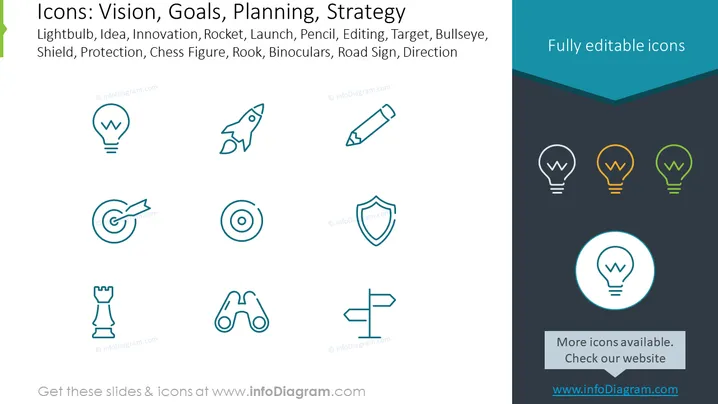
Die PowerPoint-Folie zeigt eine Sammlung von Symbolen, die jeweils verschiedene Komponenten der Geschäftsstrategie und Planung darstellen: Glühbirne (suggeriert eine Idee oder einen Moment der Innovation), Rakete (zeigt den Start oder schnelles Wachstum an), Bleistift (steht für das Bearbeiten oder Ausarbeiten von Plänen), Zielscheibe (für Ziele, Fokus oder präzise Zielgenauigkeit), Schild (zeigt Schutz oder defensive Strategien), Schachfigur, speziell ein Turm (bezeichnet strategische Züge oder Entscheidungen), Fernglas (impliziert Vision oder Vorausschauen) und Verkehrsschild (für Richtung oder Orientierung). Diese Symbole bieten eine visuelle Darstellung, um textuelle Informationen zu Vision, Zielen, Planung und Strategie-Diskussionen zu ergänzen.



