
Your graphics add a nice touch to my presentations and I recently used them for one of my all-hands meetings. Your toolbox adds professionalism to my slides. Instead of using standard clipart.
Claude Jones, Director of Engineer, @Walmartlabs, USA

Your graphics add a nice touch to my presentations and I recently used them for one of my all-hands meetings. Your toolbox adds professionalism to my slides. Instead of using standard clipart.
Claude Jones, Director of Engineer, @Walmartlabs, USA
I needed a fresh look at some of my slides. I've tried to find a way to create a paintbrush effect, to underline, accentuate, add some color and the handwritten markers were just the things. Very easy to use, easy to size, change the color. It was an affordable, perfect solution and I'm happy to recommend it.
Anonymous, US
The crisp, clean look of the graphics, and the fact that it allowed me to easily edit and change the colors to match the template was my main reason for purchasing them.
Brandie Jenkins, E-learning Developer, USA
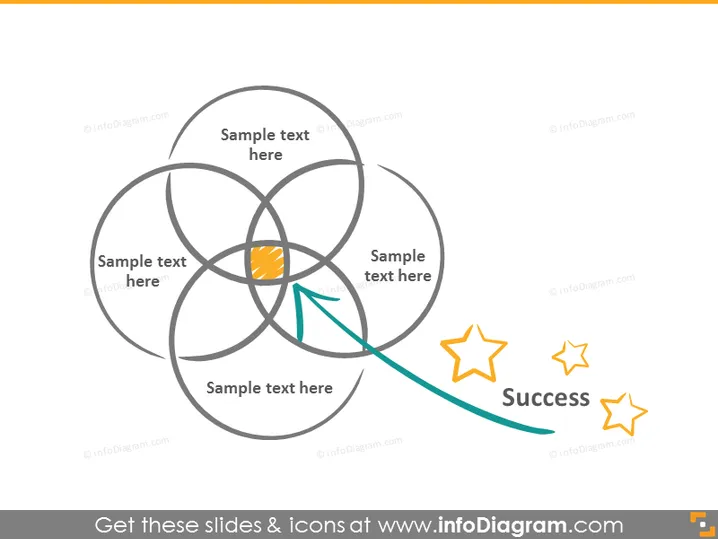
Die PowerPoint-Folie scheint ein Konzept von miteinander verbundenen Elementen darzustellen, die zum Erfolg führen. Sie zeigt ein zentrales Diagramm, das an die Blume des Lebens erinnert, mit sechs überlappenden Kreisen, die ein symmetrisches Muster bilden. Jede Schnittstelle ist mit "Beispieltext hier" beschriftet, was Platzhalter für benutzereingereichte Inhalte suggeriert. Die orangefarbene Schnittstelle impliziert eine zentrale Idee oder ein Ergebnis, das durch einen grünen Schwung mit zwei Sternen neben dem Wort "Erfolg" verbunden ist, was den Höhepunkt oder das Ziel des Konzepts des Diagramms anzeigt.
Die Folie hat ein sauberes und modernes Erscheinungsbild, mit einem ausgewogenen Einsatz von Farben und einfachen Formen, um einen Prozess oder Fortschritt in Richtung eines Ziels zu vermitteln. Die Icons und Textplatzhalter sind in einem visuell ansprechenden und leicht verständlichen Layout angeordnet.