

Your graphics add a nice touch to my presentations and I recently used them for one of my all-hands meetings. Your toolbox adds professionalism to my slides. Instead of using standard clipart.
Claude Jones, Director of Engineer, @Walmartlabs, USA

Your graphics add a nice touch to my presentations and I recently used them for one of my all-hands meetings. Your toolbox adds professionalism to my slides. Instead of using standard clipart.
Claude Jones, Director of Engineer, @Walmartlabs, USA
I needed a fresh look at some of my slides. I've tried to find a way to create a paintbrush effect, to underline, accentuate, add some color and the handwritten markers were just the things. Very easy to use, easy to size, change the color. It was an affordable, perfect solution and I'm happy to recommend it.
Anonymous, US
The crisp, clean look of the graphics, and the fact that it allowed me to easily edit and change the colors to match the template was my main reason for purchasing them.
Brandie Jenkins, E-learning Developer, USA
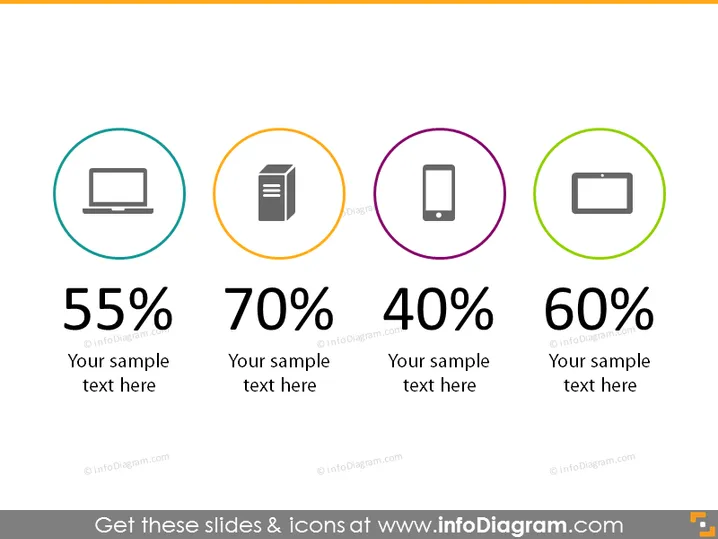
Die PowerPoint-Folie bietet Statistiken in Form von Prozentsätzen, die jeweils mit einem anderen Icon verbunden sind. Die Folie umfasst vier unterschiedliche Metriken: 55 % mit einem Computer-Monitor-Icon, 70 % mit einem Dokumenten-Icon, 40 % mit einem Mobiltelefon-Icon und 60 % mit einem Batterie-Icon. Jede Statistik wird von einem Platzhaltertext "Ihr Beispieltext hier" gefolgt, was darauf hinweist, dass dies Vorlageneinstellungen sind, die mit spezifischen Details zum Inhalt einer Präsentation angepasst werden sollen.
Das Gesamterscheinungsbild der Folie ist modern und simpel, wobei Icons und fette Schrift genutzt werden, um Informationen schnell und effektiv zu vermitteln. Sie ist gut organisiert mit gleichmäßig distanzierten Elementen, die ein ausgewogenes visuelles Layout schaffen.



