

Your graphics add a nice touch to my presentations and I recently used them for one of my all-hands meetings. Your toolbox adds professionalism to my slides. Instead of using standard clipart.
Claude Jones, Director of Engineer, @Walmartlabs, USA

Your graphics add a nice touch to my presentations and I recently used them for one of my all-hands meetings. Your toolbox adds professionalism to my slides. Instead of using standard clipart.
Claude Jones, Director of Engineer, @Walmartlabs, USA
I needed a fresh look at some of my slides. I've tried to find a way to create a paintbrush effect, to underline, accentuate, add some color and the handwritten markers were just the things. Very easy to use, easy to size, change the color. It was an affordable, perfect solution and I'm happy to recommend it.
Anonymous, US
The crisp, clean look of the graphics, and the fact that it allowed me to easily edit and change the colors to match the template was my main reason for purchasing them.
Brandie Jenkins, E-learning Developer, USA
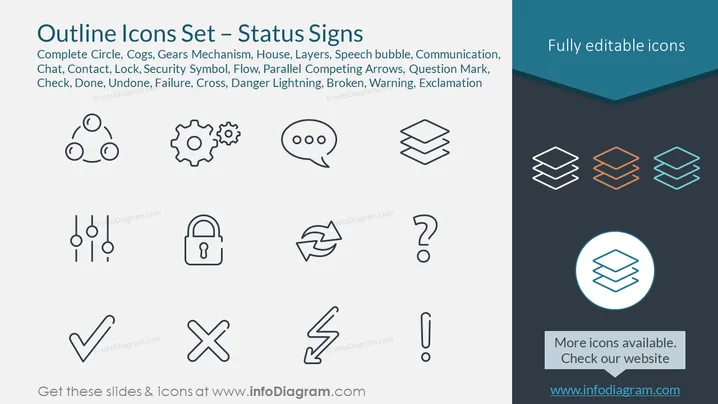
Diese PowerPoint-Folie trägt den Titel "Umriss-Ikonen-Set – Statussymbole" und zeigt eine Reihe von Linienkunst-Ikonen, die verschiedene Statussymbole darstellen. Dazu gehören ein vollständiger Kreis, Zahnräder und Mechanismen, die Interkonnektivität oder Prozesse andeuten; ein Haus-Icon, das typischerweise den Status von Zuhause oder Immobilien symbolisiert; Schichten, die oft Organisationsebenen oder Software darstellen; eine Sprechblase, die Kommunikation anzeigt; ein Telefonkontakt-Icon, ein Schloss für Sicherheit; Fließpfeile für Richtung oder Fortschritt; ein Fragezeichen für Anfragen oder Unbekanntes; ein Häkchen für Abschluss oder Genehmigung; ein Kreuz für Fehler oder Ablehnung; ein Blitz für Gefahr oder Elektrizität; eine gebrochene Linie, die Störung symbolisiert; und ein Ausrufezeichen für Aufmerksamkeit oder Warnung. Jedes Icon vermittelt einen spezifischen Status oder eine Aktion und kann verwendet werden, um die visuelle Kommunikation in Präsentationen zu verbessern.



