
Your graphics add a nice touch to my presentations and I recently used them for one of my all-hands meetings. Your toolbox adds professionalism to my slides. Instead of using standard clipart.
Claude Jones, Director of Engineer, @Walmartlabs, USA
Your graphics add a nice touch to my presentations and I recently used them for one of my all-hands meetings. Your toolbox adds professionalism to my slides. Instead of using standard clipart.
Claude Jones, Director of Engineer, @Walmartlabs, USA
I needed a fresh look at some of my slides. I've tried to find a way to create a paintbrush effect, to underline, accentuate, add some color and the handwritten markers were just the things. Very easy to use, easy to size, change the color. It was an affordable, perfect solution and I'm happy to recommend it.
Anonymous, US
The crisp, clean look of the graphics, and the fact that it allowed me to easily edit and change the colors to match the template was my main reason for purchasing them.
Brandie Jenkins, E-learning Developer, USA
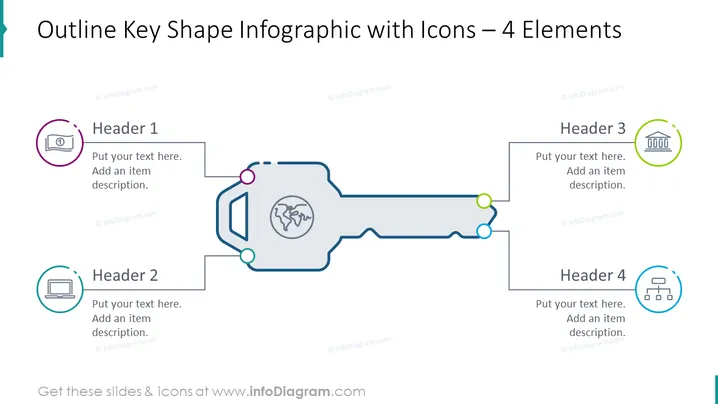
Die PowerPoint-Folie mit dem Titel "Konturen Schlüsselgrafik-Infografik mit Symbolen – 4 Elemente" zeigt eine schlüsselartige Grafik, die dazu dient, vier Schlüsselkonzepte oder Kategorien zu umreißen. Jedes der vier Elemente ist mit einer eigenen Überschrift ("Überschrift 1" bis "Überschrift 4") verbunden und bietet Platz für beschreibenden Text unter jeder Überschrift. Das Design vermittelt eine sequenzielle oder vernetzte Beziehung zwischen den Elementen, was darauf hindeutet, dass sie Teil einer einheitlichen Struktur oder eines Prozesses sind.
Das Gesamtbild der Folie ist schlank und professionell, mit einer kreativen schlüsselartigen Infografik, die vier separate Elemente visuell miteinander verbindet. Der Einsatz von Farbe ist überlegt und verbessert die Klarheit und Attraktivität des Designs.




