
Your graphics add a nice touch to my presentations and I recently used them for one of my all-hands meetings. Your toolbox adds professionalism to my slides. Instead of using standard clipart.
Claude Jones, Director of Engineer, @Walmartlabs, USA
Your graphics add a nice touch to my presentations and I recently used them for one of my all-hands meetings. Your toolbox adds professionalism to my slides. Instead of using standard clipart.
Claude Jones, Director of Engineer, @Walmartlabs, USA
I needed a fresh look at some of my slides. I've tried to find a way to create a paintbrush effect, to underline, accentuate, add some color and the handwritten markers were just the things. Very easy to use, easy to size, change the color. It was an affordable, perfect solution and I'm happy to recommend it.
Anonymous, US
The crisp, clean look of the graphics, and the fact that it allowed me to easily edit and change the colors to match the template was my main reason for purchasing them.
Brandie Jenkins, E-learning Developer, USA
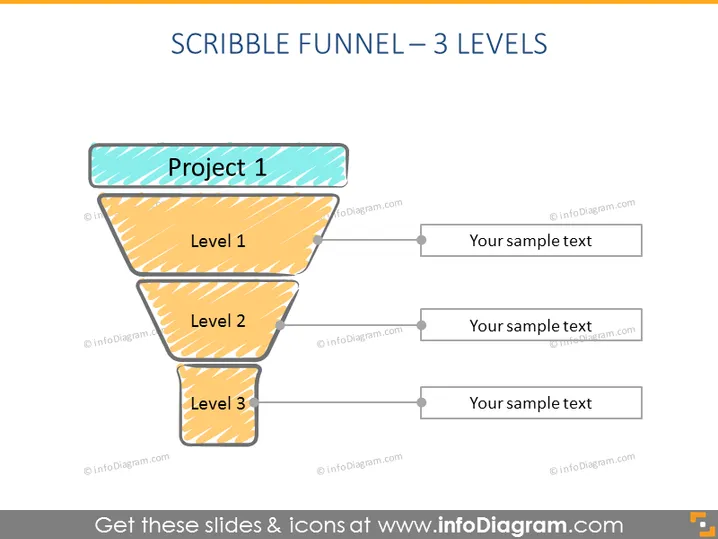
Die Folie zeigt einen dreistufigen Trichter mit dem Titel "Projekt 1", der einen Prozess oder Workflow anzeigt. Jede Stufe des Trichters ist als "Stufe 1", "Stufe 2" und "Stufe 3" gekennzeichnet, mit einem Platz neben jeder Stufe für "Ihr Platzhaltertext". Die Stufen könnten Phasen in einem Projekt, Verkaufsprozess oder anderen sequenziellen Aktivitäten darstellen, wo jede Phase zur nächsten führt und den Fokus oder die Auswahl in jedem Schritt verengt.
Die Folie hat einen handgezeichneten, informellen Stil aufgrund der gekritzelten Texturen innerhalb des Trichters und des Titelbanners. Die Verwendung von Farben ist begrenzt, mit einem kontrastierenden Cyan für den Projekttitel gegenüber warmem gelb-orange für die Trichterstufen, was das Diagramm visuell interessant, aber leicht nachvollziehbar macht.




