
Your graphics add a nice touch to my presentations and I recently used them for one of my all-hands meetings. Your toolbox adds professionalism to my slides. Instead of using standard clipart.
Claude Jones, Director of Engineer, @Walmartlabs, USA
Your graphics add a nice touch to my presentations and I recently used them for one of my all-hands meetings. Your toolbox adds professionalism to my slides. Instead of using standard clipart.
Claude Jones, Director of Engineer, @Walmartlabs, USA
I needed a fresh look at some of my slides. I've tried to find a way to create a paintbrush effect, to underline, accentuate, add some color and the handwritten markers were just the things. Very easy to use, easy to size, change the color. It was an affordable, perfect solution and I'm happy to recommend it.
Anonymous, US
The crisp, clean look of the graphics, and the fact that it allowed me to easily edit and change the colors to match the template was my main reason for purchasing them.
Brandie Jenkins, E-learning Developer, USA
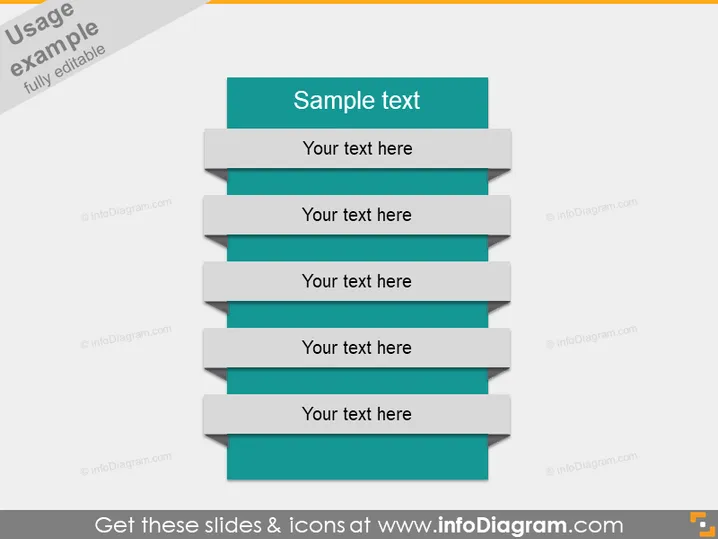
Die PowerPoint-Folie mit dem Titel "Beispieltext" scheint ein generischer Platzhalter für die Präsentation von Inhalten zu sein. Sie weist ein zentrales Thema mit einer Überschrift und fünf Unterpunkten auf, die jeweils mit einem Platz für "Ihr Text hier" versehen sind, was auf ein Listenformat hindeutet, in dem man Beschreibungen oder Aufzählungspunkte hinzufügen kann. Jeder Unterpunkt scheint einen Schritt oder ein Element in einer Sequenz oder Kategorie darzustellen, die der Präsentator detailliert besprechen möchte, wie z.B. Projektphasen, wichtige Merkmale oder Diskussionsthemen.
Das Gesamtbild der Folie ist modern und professionell, mit einem sauberen, strukturierten Design, das Farbkombinationen nutzt, um zwischen dem Titel und den untergeordneten Punkten zu unterscheiden. Das gestufte Layout vermittelt ein Gefühl von Fortschritt oder Hierarchie.




