
Your graphics add a nice touch to my presentations and I recently used them for one of my all-hands meetings. Your toolbox adds professionalism to my slides. Instead of using standard clipart.
Claude Jones, Director of Engineer, @Walmartlabs, USA

Your graphics add a nice touch to my presentations and I recently used them for one of my all-hands meetings. Your toolbox adds professionalism to my slides. Instead of using standard clipart.
Claude Jones, Director of Engineer, @Walmartlabs, USA

I needed a fresh look at some of my slides. I've tried to find a way to create a paintbrush effect, to underline, accentuate, add some color and the handwritten markers were just the things. Very easy to use, easy to size, change the color. It was an affordable, perfect solution and I'm happy to recommend it.
Anonymous, US
The crisp, clean look of the graphics, and the fact that it allowed me to easily edit and change the colors to match the template was my main reason for purchasing them.
Brandie Jenkins, E-learning Developer, USA
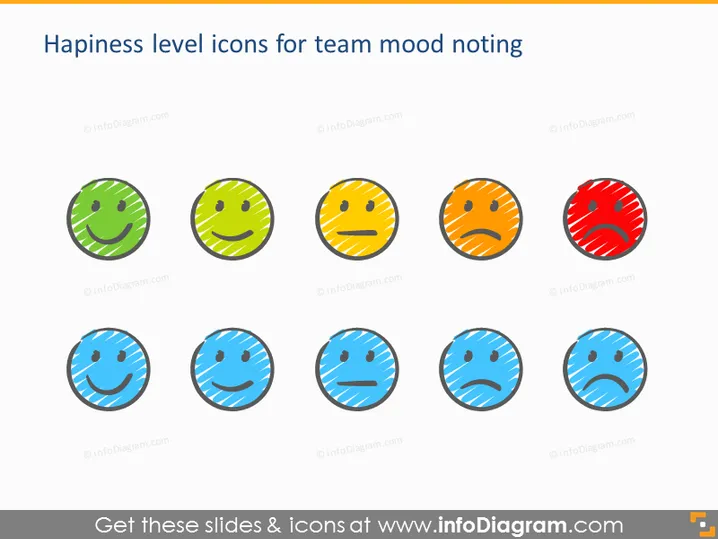
Die PowerPoint-Folie präsentiert eine Reihe von "Glücksniveau-Icons zur Stimmungsnotierung im Team." Sie zeigt drei Reihen von emoticon-artigen Icons, die jeweils unterschiedliche Glücks- oder Stimmungsniveaus widerspiegeln. Die oberste Reihe zeigt wahrscheinlich positive Emotionen, wobei das Lächeln von links nach rechts weniger ausgeprägt wird. Die mittlere Reihe repräsentiert neutrale Stimmungen, während die untere Reihe negative Emotionen mit zunehmend traurigeren Gesichtern darstellt. Diese Icons können verwendet werden, um schnell die Stimmung des Teams oder individuelles Feedback in verschiedenen Situationen zu erfassen.
Das Gesamtbild der Folie ist sauber und minimalistisch, wobei der Fokus auf den emoticon-artigen Icons liegt. Der Einsatz von Farben zur Unterscheidung zwischen positiven, neutralen und negativen Stimmungen bietet eine intuitive Möglichkeit, Gefühle oder Reaktionen schnell zu bewerten.


