

Your graphics add a nice touch to my presentations and I recently used them for one of my all-hands meetings. Your toolbox adds professionalism to my slides. Instead of using standard clipart.
Claude Jones, Director of Engineer, @Walmartlabs, USA

Your graphics add a nice touch to my presentations and I recently used them for one of my all-hands meetings. Your toolbox adds professionalism to my slides. Instead of using standard clipart.
Claude Jones, Director of Engineer, @Walmartlabs, USA
I needed a fresh look at some of my slides. I've tried to find a way to create a paintbrush effect, to underline, accentuate, add some color and the handwritten markers were just the things. Very easy to use, easy to size, change the color. It was an affordable, perfect solution and I'm happy to recommend it.
Anonymous, US
The crisp, clean look of the graphics, and the fact that it allowed me to easily edit and change the colors to match the template was my main reason for purchasing them.
Brandie Jenkins, E-learning Developer, USA
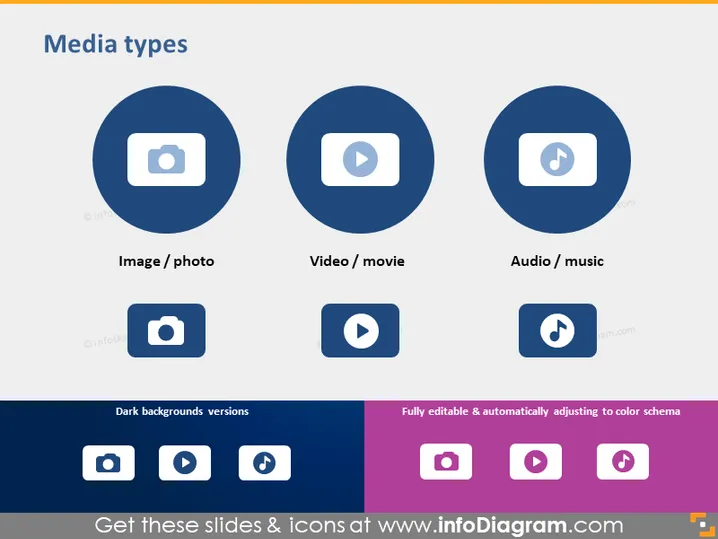
Die PowerPoint-Folie mit dem Titel "Medientypen" präsentiert drei Kategorien von Medien: Bild/Foto, Video/Film und Audio/Musik. Jede Kategorie wird durch ein kreisförmiges Symbol dargestellt: eine Kamera für Bilder/Fotos, die statischen visuellen Inhalt anzeigt; einen Play-Button für Videos/Filme, der bewegten visuellen Inhalt darstellt; und eine musikalische Note für Audio/Musik, die Klanginhalt repräsentiert. Unter diesen Symbolen befinden sich Bezeichnungen, die den Typ des Mediums definieren, den jedes Symbol repräsentiert. Außerdem zeigt die Folie an, dass es dunkle Hintergrundversionen gibt und dass die Elemente vollständig bearbeitbar sind, was Anpassungen an verschiedene Farbschemata in Präsentationen nahelegt.
Die Folie ist mit einem sauberen und modernen Aussehen gestaltet. Der Einsatz von kontrastierenden Farben für die Symbole und den Hintergrund trägt dazu bei, die einzelnen Medienkategorien ins Auge zu fassen. Die Folie wirkt professionell und ist auf den ersten Blick leicht verständlich.



