
Your graphics add a nice touch to my presentations and I recently used them for one of my all-hands meetings. Your toolbox adds professionalism to my slides. Instead of using standard clipart.
Claude Jones, Director of Engineer, @Walmartlabs, USA
Your graphics add a nice touch to my presentations and I recently used them for one of my all-hands meetings. Your toolbox adds professionalism to my slides. Instead of using standard clipart.
Claude Jones, Director of Engineer, @Walmartlabs, USA
I needed a fresh look at some of my slides. I've tried to find a way to create a paintbrush effect, to underline, accentuate, add some color and the handwritten markers were just the things. Very easy to use, easy to size, change the color. It was an affordable, perfect solution and I'm happy to recommend it.
Anonymous, US
The crisp, clean look of the graphics, and the fact that it allowed me to easily edit and change the colors to match the template was my main reason for purchasing them.
Brandie Jenkins, E-learning Developer, USA
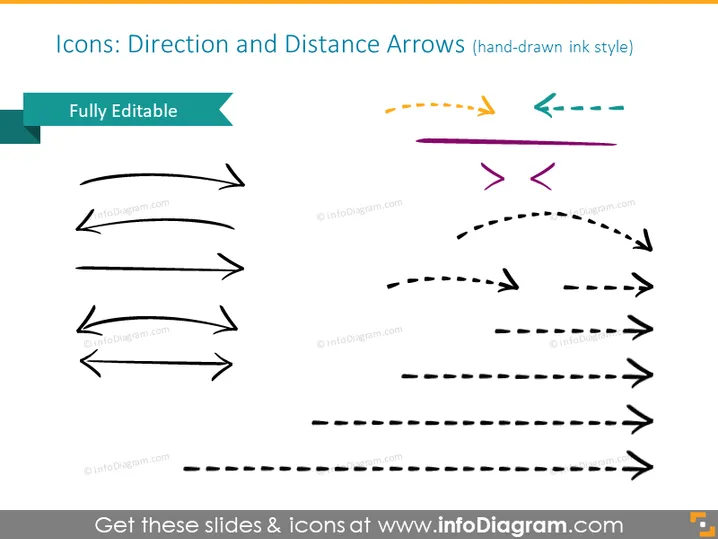
Diese PowerPoint-Folie trägt den Titel "Icons: Richtung und Distanz Pfeile (handgezeichnet im Tintenstil)" und zeigt eine Sammlung von Pfeilgrafiken, die wahrscheinlich als visuelle Hilfsmittel für Präsentationen dienen sollen. Diese Pfeile wirken, als wären sie handgezeichnet und gibt es in verschiedenen Stilen: gerade, gewellt, gestrichelt und in ein paar verschiedenen Farben. Jeder Pfeiltyp könnte ein anderes Bewegungskonzept oder eine Richtung signalisieren, wie Fortschritt, Rückkehr, Umweg oder indirekte Wege.
Das Gesamtbild der Folie ist sauber und minimalistisch, wodurch die Aufmerksamkeit auf die Pfeil-Icons gelenkt wird. Der handgezeichnete Stil der Pfeile verleiht den visuellen Elementen eine kreative, informelle Note.




