
Your graphics add a nice touch to my presentations and I recently used them for one of my all-hands meetings. Your toolbox adds professionalism to my slides. Instead of using standard clipart.
Claude Jones, Director of Engineer, @Walmartlabs, USA
Your graphics add a nice touch to my presentations and I recently used them for one of my all-hands meetings. Your toolbox adds professionalism to my slides. Instead of using standard clipart.
Claude Jones, Director of Engineer, @Walmartlabs, USA
I needed a fresh look at some of my slides. I've tried to find a way to create a paintbrush effect, to underline, accentuate, add some color and the handwritten markers were just the things. Very easy to use, easy to size, change the color. It was an affordable, perfect solution and I'm happy to recommend it.
Anonymous, US
The crisp, clean look of the graphics, and the fact that it allowed me to easily edit and change the colors to match the template was my main reason for purchasing them.
Brandie Jenkins, E-learning Developer, USA
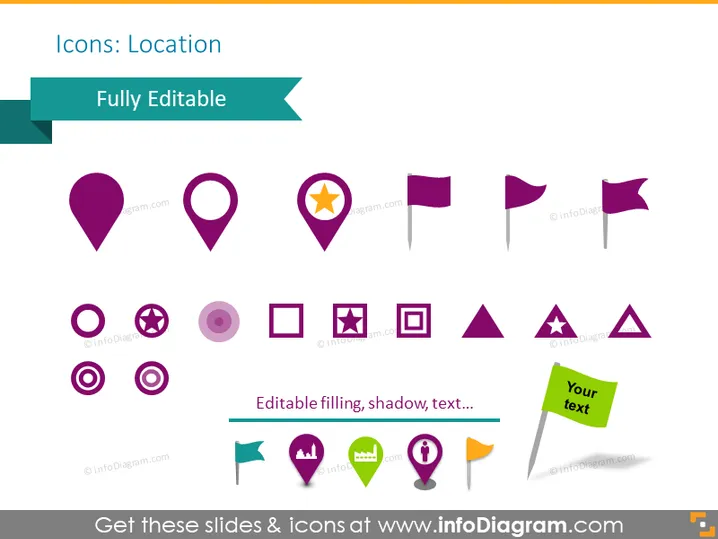
Die PowerPoint-Folie trägt den Titel "Icons: Standort" und enthält eine Auswahl von Symbolen, die mit Standortbestimmungen und Markierungen zu tun haben. Diese Symbole umfassen Variationen von Kartenmarkern (z. B. den klassischen tropfenförmigen Marker, einen Stern innerhalb eines Markers), Fahnen (die Orte oder interessante Punkte darstellen könnten) und andere Formen wie Kreise und Quadrate mit Symbolen darin (die verschiedene Arten von Standorten oder Markierungen anzeigen). Ein Banner oben besagt "Vollständig bearbeitbar", was darauf hinweist, dass die Symbole in Größe, Farbe oder Text angepasst werden können.
Die Folie hat eine moderne, saubere Ästhetik mit bunten, flachen Designsymbolen, die das Konzept von Standort und Navigation effektiv vermitteln. Die Einfachheit der Symbole macht sie vielseitig für verschiedene Anwendungen in unterschiedlichen Präsentationskontexten.




