

Your graphics add a nice touch to my presentations and I recently used them for one of my all-hands meetings. Your toolbox adds professionalism to my slides. Instead of using standard clipart.
Claude Jones, Director of Engineer, @Walmartlabs, USA

Your graphics add a nice touch to my presentations and I recently used them for one of my all-hands meetings. Your toolbox adds professionalism to my slides. Instead of using standard clipart.
Claude Jones, Director of Engineer, @Walmartlabs, USA
I needed a fresh look at some of my slides. I've tried to find a way to create a paintbrush effect, to underline, accentuate, add some color and the handwritten markers were just the things. Very easy to use, easy to size, change the color. It was an affordable, perfect solution and I'm happy to recommend it.
Anonymous, US
The crisp, clean look of the graphics, and the fact that it allowed me to easily edit and change the colors to match the template was my main reason for purchasing them.
Brandie Jenkins, E-learning Developer, USA
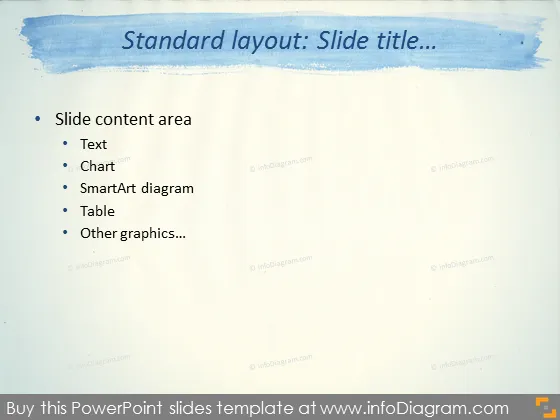
Diese PowerPoint-Folie bietet eine Struktur für Präsentationen und zeigt, wo verschiedene Arten von Inhalten platziert werden können. Der Folieninhaltbereich soll "Text" enthalten, der für schriftliche Inhalte vorgesehen ist. "Diagramm" bezieht sich auf grafische Darstellungen von Daten. "SmartArt-Diagramm" ist für strukturierte Grafiken wie Organigramme oder Prozesse. "Tabelle" dient dazu, numerische Daten oder Informationen in Zeilen und Spalten zu organisieren. "Andere Grafiken..." impliziert Flexibilität für zusätzliche visuelle Elemente wie Bilder, Icons oder Formen, die die Präsentation verbessern könnten.
Die Folie hat ein kreatives, aber professionelles Erscheinungsbild mit einem Aquarellkopfbereich und einem strukturierten Hintergrund, der Papier oder Leinwand imitiert und ein künstlerisches Gefühl schafft. Die Aufzählungsliste ist klar organisiert, was das Folgen erleichtert.



