

Your graphics add a nice touch to my presentations and I recently used them for one of my all-hands meetings. Your toolbox adds professionalism to my slides. Instead of using standard clipart.
Claude Jones, Director of Engineer, @Walmartlabs, USA

Your graphics add a nice touch to my presentations and I recently used them for one of my all-hands meetings. Your toolbox adds professionalism to my slides. Instead of using standard clipart.
Claude Jones, Director of Engineer, @Walmartlabs, USA
I needed a fresh look at some of my slides. I've tried to find a way to create a paintbrush effect, to underline, accentuate, add some color and the handwritten markers were just the things. Very easy to use, easy to size, change the color. It was an affordable, perfect solution and I'm happy to recommend it.
Anonymous, US
The crisp, clean look of the graphics, and the fact that it allowed me to easily edit and change the colors to match the template was my main reason for purchasing them.
Brandie Jenkins, E-learning Developer, USA
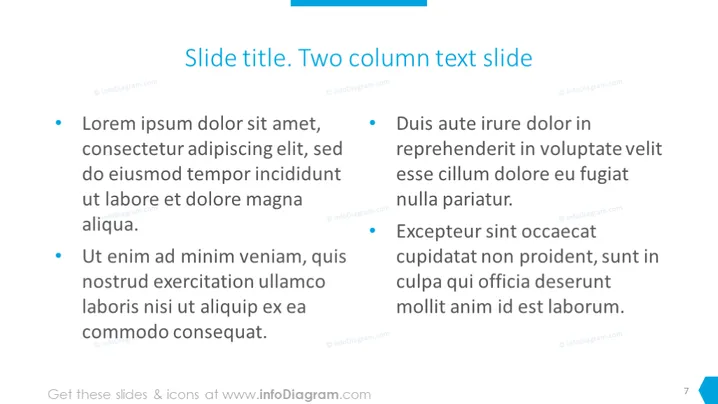
Diese PowerPoint-Folie ist in zwei Spalten mit Aufzählungstext unterteilt, die entwickelt wurden, um zwei Sets von Konzepten oder Ideen zu vergleichen und gegenüberzustellen. Die linke Spalte enthält zwei Aufzählungspunkte mit Platzhaltertext "Lorem ipsum," der häufig im Design verwendet wird, um die visuelle Form eines Dokuments darzustellen, ohne sich auf bedeutungsvolle Inhalte zu stützen. Die rechte Spalte enthält ebenfalls zwei Aufzählungspunkte mit "Lorem ipsum"-Text, was den Vergleich zwischen den Elementen auf der linken und der rechten Seite erleichtert. Dieses Framework ermöglicht eine unkomplizierte Gegenüberstellung von Informationen.
Das gesamte Erscheinungsbild der Folie ist professionell und unkompliziert, mit einem Fokus auf Klarheit und Lesbarkeit. Die Verwendung von blauen Aufzählungspunkten und Titeln fügt einen Hauch von Farbe hinzu, während eine geschäftsmäßige Atmosphäre gewahrt bleibt.



