

Your graphics add a nice touch to my presentations and I recently used them for one of my all-hands meetings. Your toolbox adds professionalism to my slides. Instead of using standard clipart.
Claude Jones, Director of Engineer, @Walmartlabs, USA

Your graphics add a nice touch to my presentations and I recently used them for one of my all-hands meetings. Your toolbox adds professionalism to my slides. Instead of using standard clipart.
Claude Jones, Director of Engineer, @Walmartlabs, USA
I needed a fresh look at some of my slides. I've tried to find a way to create a paintbrush effect, to underline, accentuate, add some color and the handwritten markers were just the things. Very easy to use, easy to size, change the color. It was an affordable, perfect solution and I'm happy to recommend it.
Anonymous, US
The crisp, clean look of the graphics, and the fact that it allowed me to easily edit and change the colors to match the template was my main reason for purchasing them.
Brandie Jenkins, E-learning Developer, USA
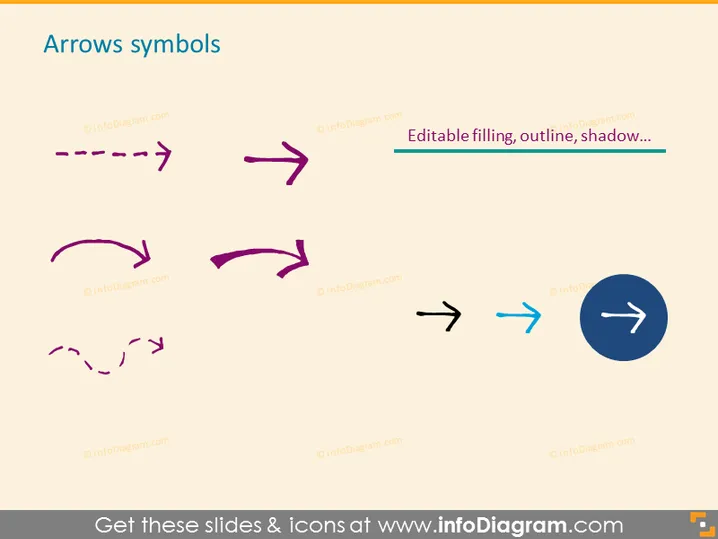
Die PowerPoint-Folie mit dem Titel "Pfeilsymbole" präsentiert eine Sammlung von Pfeilgrafiken, die häufig in Präsentationen verwendet werden, um Richtung, Fluss oder Fortschritt zu signalisieren. Diese Pfeile gibt es in verschiedenen Stilen: gestrichelt, durchgehend, gewölbt und überlappende Doppel-Pfeile, die verschiedene Arten von Bewegung oder Übergängen anzeigen. Der Text erwähnt, dass sie bearbeitbar sind, was impliziert, dass die Farbe, Umrandung und der Schatten dieser Pfeile an die Ästhetik jeder Präsentation angepasst werden können. Jedes Pfeildesign vermittelt einzigartige Bedeutungen, wie den gestrichelten Pfeil für einen diskontinuierlichen Prozess oder den durchgehenden Pfeil für eine klare Richtung.
Das Gesamtbild der Folie ist sauber und modern, wobei Kontrast und minimalistisches Design verwendet werden, um die verschiedenen Pfeilstile hervorzuheben. Die Vielfalt und Anpassungsoptionen für die Pfeilgrafiken werden klar in einer gut organisierten Weise präsentiert.



