
Your graphics add a nice touch to my presentations and I recently used them for one of my all-hands meetings. Your toolbox adds professionalism to my slides. Instead of using standard clipart.
Claude Jones, Director of Engineer, @Walmartlabs, USA
Your graphics add a nice touch to my presentations and I recently used them for one of my all-hands meetings. Your toolbox adds professionalism to my slides. Instead of using standard clipart.
Claude Jones, Director of Engineer, @Walmartlabs, USA
I needed a fresh look at some of my slides. I've tried to find a way to create a paintbrush effect, to underline, accentuate, add some color and the handwritten markers were just the things. Very easy to use, easy to size, change the color. It was an affordable, perfect solution and I'm happy to recommend it.
Anonymous, US
The crisp, clean look of the graphics, and the fact that it allowed me to easily edit and change the colors to match the template was my main reason for purchasing them.
Brandie Jenkins, E-learning Developer, USA
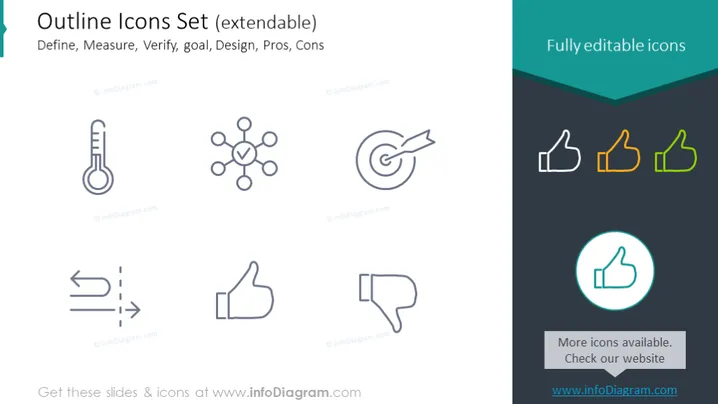
Die Folie zeigt eine Reihe von Umriss-Icons, die dazu gedacht sind, eine Vielzahl von Konzepten visuell darzustellen, wie Definieren, Messen, Verifizieren, Ziel, Entwurf, Vorteile und Nachteile. Jedes Konzept hat ein entsprechendes Icon: ein Thermometer für Definieren, das Messung oder Bewertung signifies; ein Netzsymbol für Messen, das Verbindungen oder Beziehungen repräsentiert; ein Ziel für Verifizieren, was Genauigkeit oder Ziele impliziert; zwei Pfeile mit einer gestrichelten Linie für Ziel, was Richtung oder Fortschritt andeutet; ein Daumen hoch für Entwurf, was Zustimmung oder ein positives Merkmal kennzeichnet; und Daumen hoch und runter für Vorteile und Nachteile, die jeweils Vorzüge und Nachteile veranschaulichen.




