
Your graphics add a nice touch to my presentations and I recently used them for one of my all-hands meetings. Your toolbox adds professionalism to my slides. Instead of using standard clipart.
Claude Jones, Director of Engineer, @Walmartlabs, USA

Your graphics add a nice touch to my presentations and I recently used them for one of my all-hands meetings. Your toolbox adds professionalism to my slides. Instead of using standard clipart.
Claude Jones, Director of Engineer, @Walmartlabs, USA

I needed a fresh look at some of my slides. I've tried to find a way to create a paintbrush effect, to underline, accentuate, add some color and the handwritten markers were just the things. Very easy to use, easy to size, change the color. It was an affordable, perfect solution and I'm happy to recommend it.
Anonymous, US
The crisp, clean look of the graphics, and the fact that it allowed me to easily edit and change the colors to match the template was my main reason for purchasing them.
Brandie Jenkins, E-learning Developer, USA
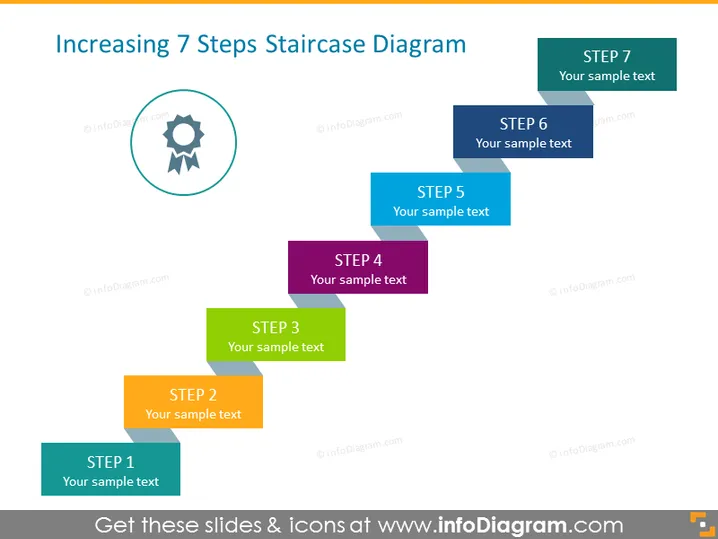
Die Folie stellt einen Prozess oder eine Fortschritt dar, indem sie eine Treppenmetapher mit sieben Stufen verwendet, die jeweils mit "STUFE" gefolgt von einer Nummer (1 bis 7) und einem Platzhaltertext "Ihr Beispieltext" beschriftet sind. Dieses Format deutet auf einen schrittweisen Ansatz hin, um ein Konzept oder eine Strategie zu erklären, wobei jede Stufe auf der vorherigen aufbaut und Fortschritt oder Entwicklung in Etappen signifiziert. Die Stufen sind farblich kodiert, wahrscheinlich um sie visuell zu unterscheiden und die Reihenfolge leichter nachvollziehbar zu machen.
Die Folie hat ein sauberes und professionelles Design mit gutem Einsatz von Farbe und Raum, was die Lesbarkeit und visuelle Anziehungskraft erhöht. Der 3D-Treppeneffekt vermittelt ein Gefühl des Fortschritts und bietet eine klare Struktur zur Präsentation von Informationen in Schritten.


