
Your graphics add a nice touch to my presentations and I recently used them for one of my all-hands meetings. Your toolbox adds professionalism to my slides. Instead of using standard clipart.
Claude Jones, Director of Engineer, @Walmartlabs, USA
Your graphics add a nice touch to my presentations and I recently used them for one of my all-hands meetings. Your toolbox adds professionalism to my slides. Instead of using standard clipart.
Claude Jones, Director of Engineer, @Walmartlabs, USA
I needed a fresh look at some of my slides. I've tried to find a way to create a paintbrush effect, to underline, accentuate, add some color and the handwritten markers were just the things. Very easy to use, easy to size, change the color. It was an affordable, perfect solution and I'm happy to recommend it.
Anonymous, US
The crisp, clean look of the graphics, and the fact that it allowed me to easily edit and change the colors to match the template was my main reason for purchasing them.
Brandie Jenkins, E-learning Developer, USA
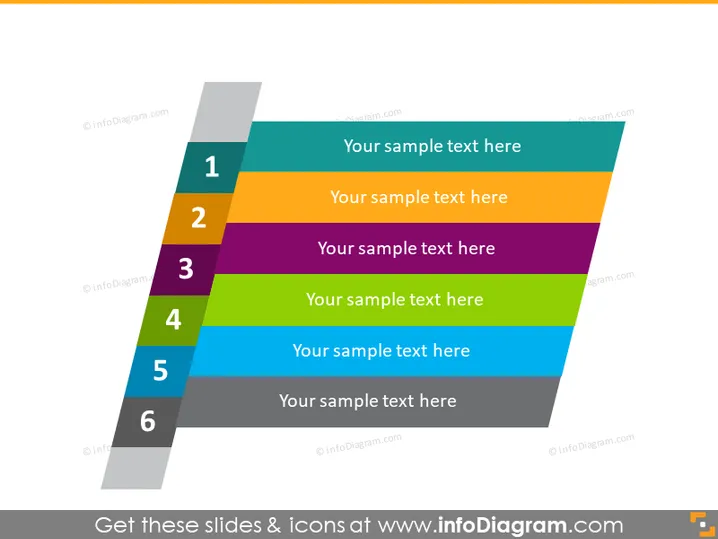
Die PowerPoint-Folie scheint ein Diagramm mit Schritten oder Prozessen mit sechs aufeinanderfolgendem Schritten zu sein. Jeder Schritt wird durch einen farbigen rechteckigen Balken dargestellt und ist von 1 bis 6 nummeriert. Die Farben sind von einem Schritt zum nächsten unterschiedlich, was eine Progression oder Kategorisierung signalisiert. Platzhaltertext mit der Bezeichnung "Ihr Beispieltext hier" begleitet jeden Schritt und zeigt an, wo der Präsentator seinen eigenen, spezifischen Inhalt für jede Phase oder jedes Element des Prozesses oder der Liste einfügen würde, die er beschreibt. Dieses Format wird typischerweise verwendet, um komplexe Prozesse in überschaubare Teile zu unterteilen oder um eine Abfolge von Aktionen oder Ereignissen hervorzuheben.




