
Your graphics add a nice touch to my presentations and I recently used them for one of my all-hands meetings. Your toolbox adds professionalism to my slides. Instead of using standard clipart.
Claude Jones, Director of Engineer, @Walmartlabs, USA
Your graphics add a nice touch to my presentations and I recently used them for one of my all-hands meetings. Your toolbox adds professionalism to my slides. Instead of using standard clipart.
Claude Jones, Director of Engineer, @Walmartlabs, USA
I needed a fresh look at some of my slides. I've tried to find a way to create a paintbrush effect, to underline, accentuate, add some color and the handwritten markers were just the things. Very easy to use, easy to size, change the color. It was an affordable, perfect solution and I'm happy to recommend it.
Anonymous, US
The crisp, clean look of the graphics, and the fact that it allowed me to easily edit and change the colors to match the template was my main reason for purchasing them.
Brandie Jenkins, E-learning Developer, USA
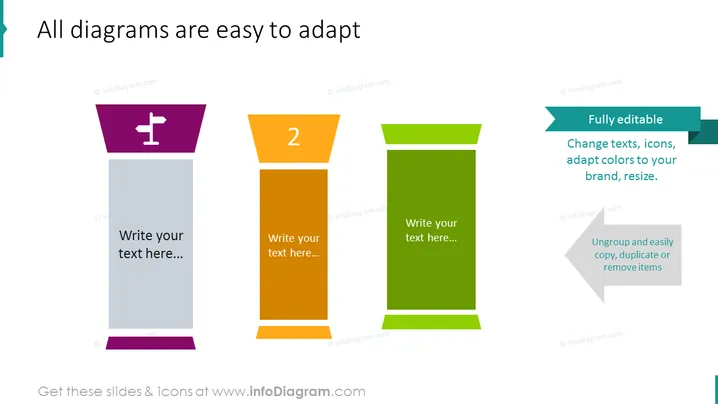
Die PowerPoint-Folie mit dem Titel "Alle Diagramme sind leicht anpassbar" wurde entworfen, um die Einfachheit der Anpassung von Diagrammen zu betonen. Sie zeigt einen Prozess in drei Schritten, der Funktionen hervorhebt, wie z. B. die vollständige Bearbeitbarkeit, die Möglichkeit, Texte zu ändern, Symbole anzupassen, Farben an Ihr Branding anzupassen und Elemente zu skalieren. Die Betonung des Gruppierungsauflösens, Kopierens, Duplizierens oder Entfernens von Elementen deutet auf einen benutzerfreundlichen Ansatz zur Personalisierung der Diagramme hin.
Die Folie hat ein sauberes und professionelles Erscheinungsbild mit einer klaren Verwendung von kontrastierenden, auffälligen Farben, um jedes anpassbare Banner zu unterscheiden. Die visuelle Hierarchie leitet den Betrachter vom Titel über die nummerierten Banner bis hin zum erläuternden Text auf der rechten Seite.




